55
Galaxy 2 Series Installation Manual
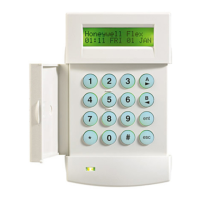
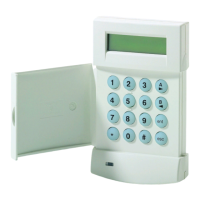
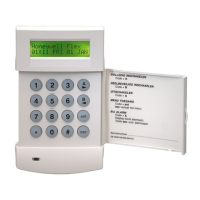
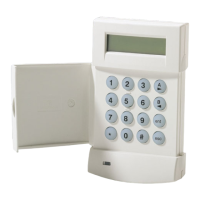
Adding Keytags or Cards - Mk7 485 Keyprox only
1. Enter menu 42.1 = Users.Users.
2. Select a user.
3. Select option 6 = Prox Tags.
4. Press A & 1 together to self-learn keytag/card on to system.
5. Hold card/keytag in front of prox symbol to add it in.
6. The number should be displayed.
7. Wait for double beep then remove keytag/card.
8. Press enter to save and exit.
NOTE: If at any time a triple beep is heard, the learn procedure has failed.
Adding Keytags or Cards - 6160 Keyprox only
1. Enter menu 42.1 = Users.Users.
2. Select a user.
3. Select option 5 = RF Fobs.
4. Press * (AUTO) to self-learn keytag/card on to system.
5. Display says awaiting fob.
6. Hold card/keytag in front of LED’s to add it in.
7. Ignore request to press a button (this is for RF fobs).
8. The keytag/card has been successfully added.
NOTE: If at any time a triple beep is heard, the learn procedure has failed.
Removing Keytags or Cards - Mk7 485 Keyprox only
1. Enter menu 42.1 = Users.Users.
2. Select a user.
3. Select option 6 = Prox Tags.
4. The Serial number is displayed.
5. Press the B key until all digits are deleted from screen.
6. Press enter to save and exit.
Removing Keytags or Cards - ECP 6160 Tags only
1. Enter menu 42.1 = Users.Users.
2. Select a user.
3. Select option 5 = RF Fobs.
4. The Serial number is displayed.
5. Press the B key until all digits are deleted from screen.
6. Press enter to save and exit.
Modify Options (cont’d)



 To Next Page
 Loading...