Portable
PLUS
Computer
Removal
and
Replacement
6.15
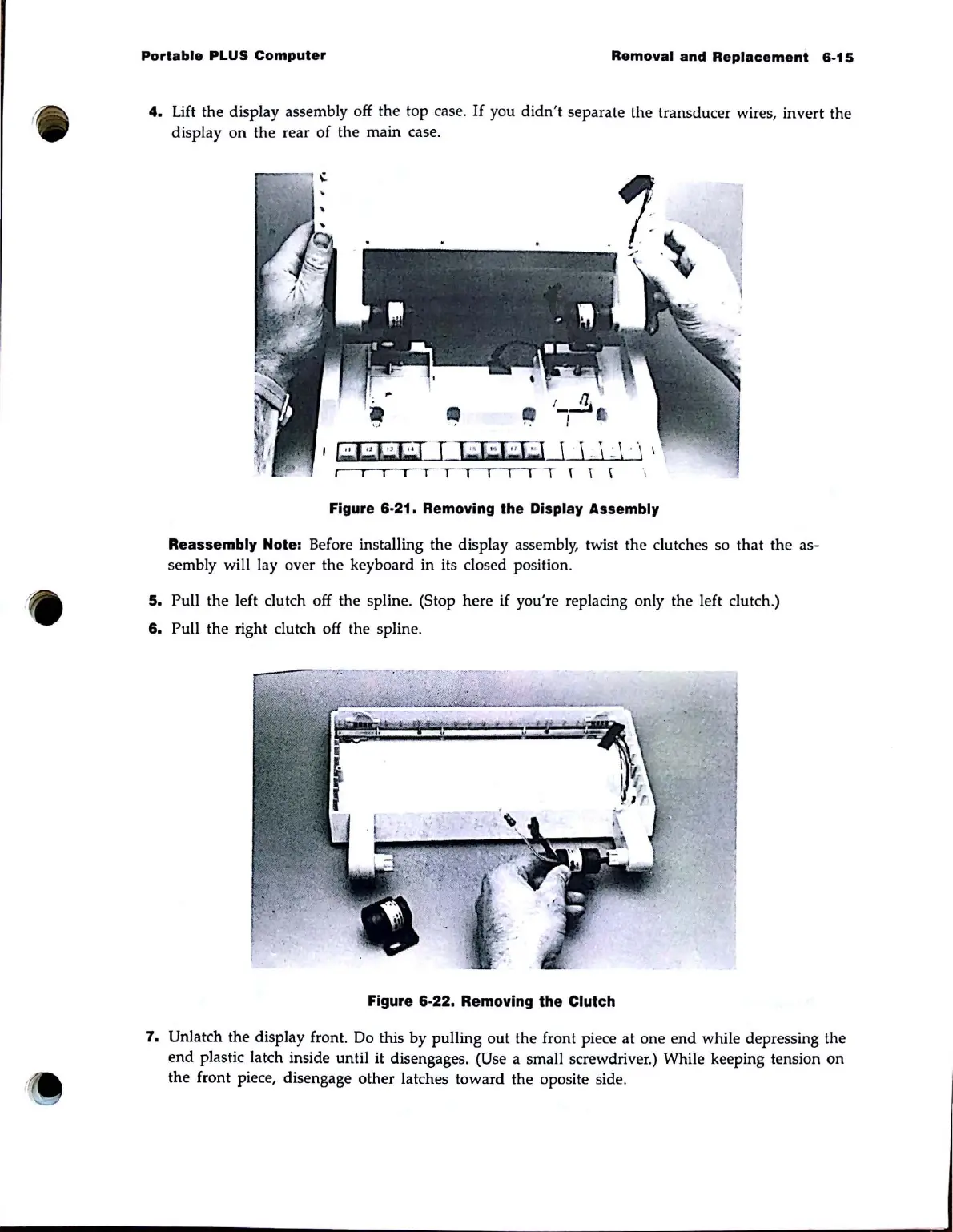
4.
Lift
the display assembly off the top case.
If
you
didn
't separate the transducer wires, invert the
display
on
the rear of the main case.
I
r.:J~1
T I
..
f:::J
..
f,;;J
\ L \ J . \ \
. t t
\'
~
\ \
Figure 6·21. Removing the Display Assembly
Reassembly
Note: Before installing the display assembly, twist the clutches so that the as-
sembly will
layover
the keyboard in its closed position.
5.
Pull the left clutch off the spline. (Stop here if you're replacing only the left clutch.)
6.
Pull the right clutch off the spline.
Figure 6·22. Removing the Clutch
7.
Unlatch the display front. Do this
by
pulling out the front piece at
one
end
while depressing the
end
plastic latch inside until it disengages. (Use a small screwdriver.) While keeping tension
on
the front piece, disengage other latches toward the oposite side.



 To Next Page