B_configure.doc 100 Tue Jul 2 15:27:17 1996
100
Changing Your Workstation’s Hardware Configuration
Preparing Your Workstation
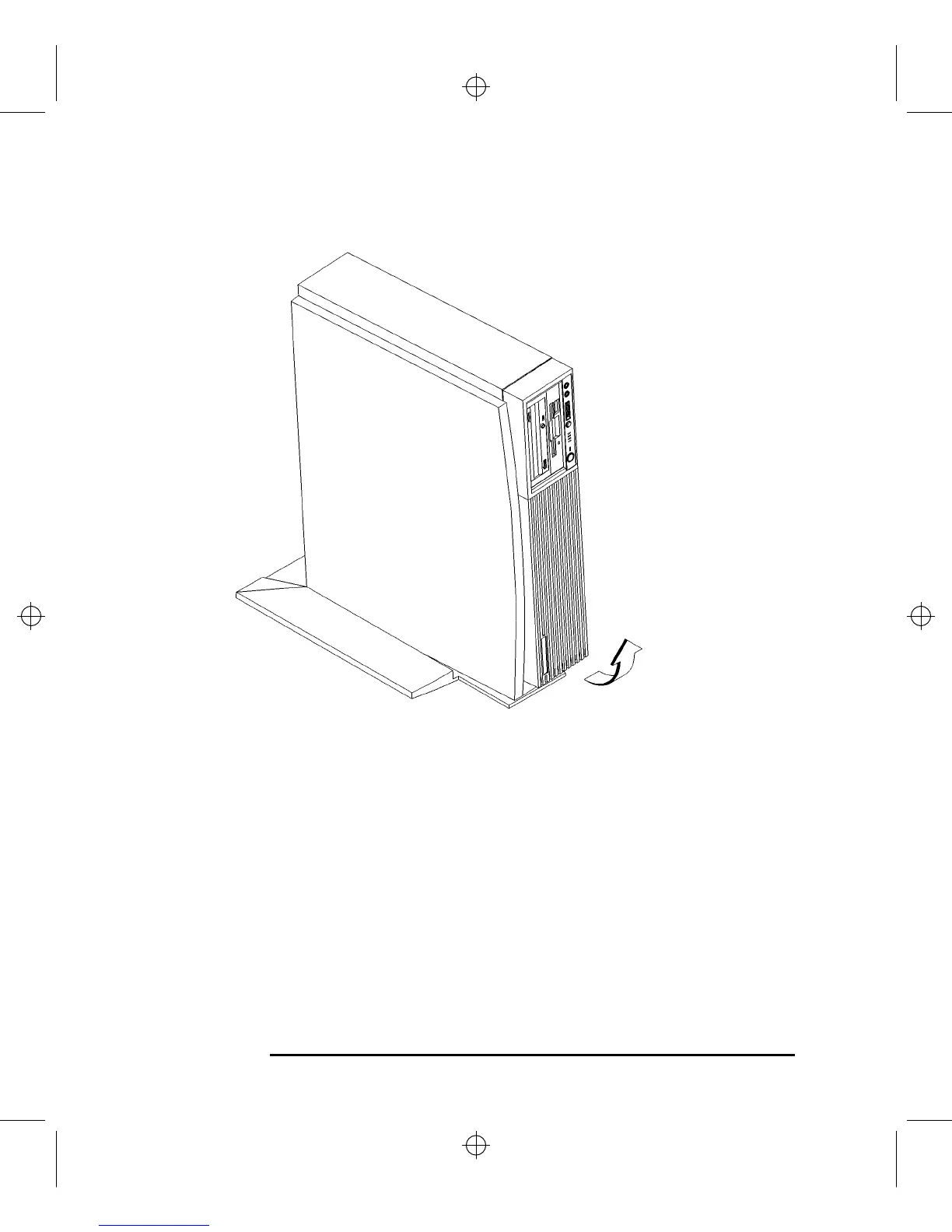
Figure 25 Removing the Floor Stand
6 Lay the system unit on a flat surface, such as a table top.
7 Attach a static-grounding wrist strap to bare metal on the back of the system unit.



 To Next Page