sys_ovrvw.doc 12 Tue Jul 2 09:09:56 1996
12
Product Information
System Unit Front Panel Controls
Floppy Disk Drive
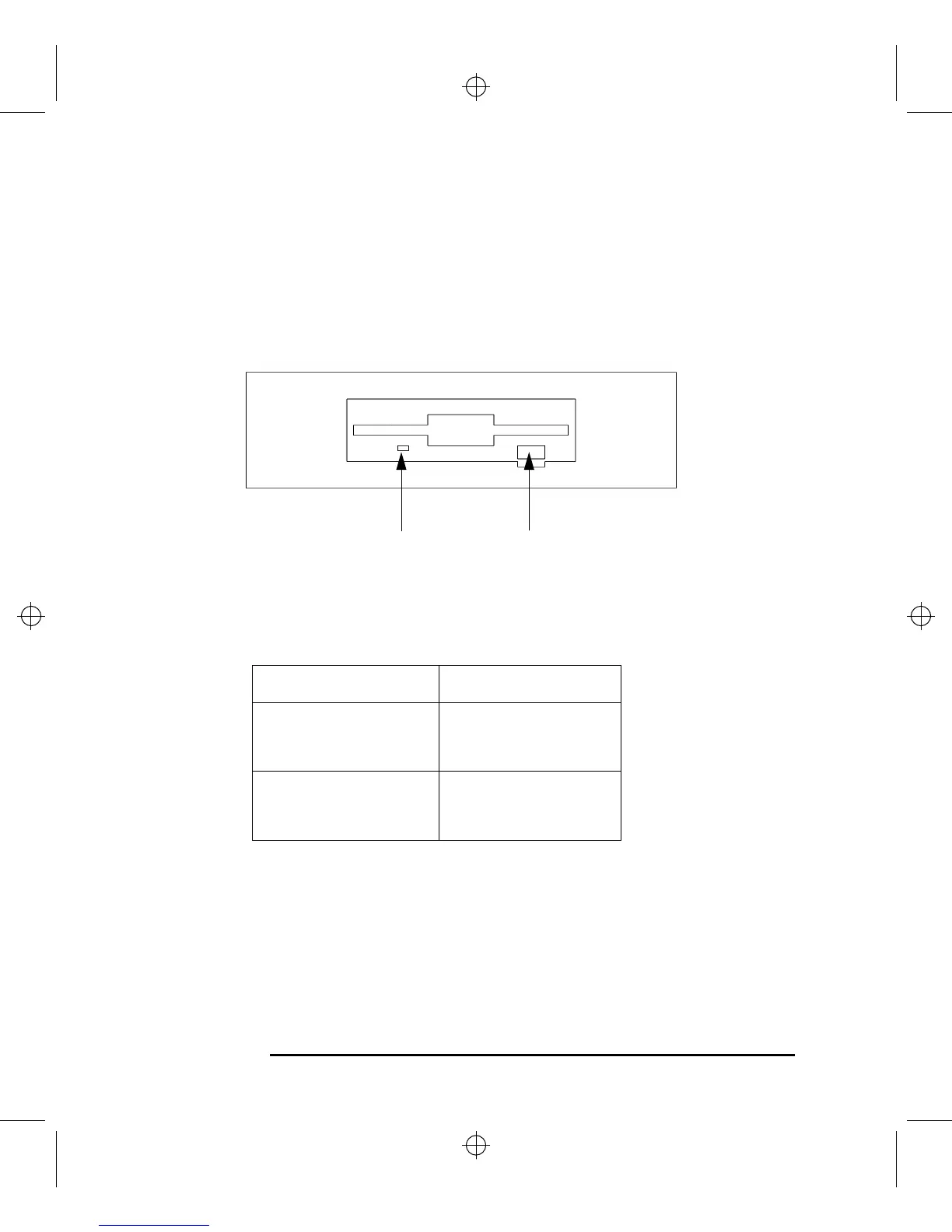
Figure 6 shows the operating controls and features of the floppy drive, and
Table 3 describes them.
Figure 6 Floppy Drive Controls and Features
Table 3 Floppy Drive Controls and Features
Control Feature Purpose
Eject Button Push the eject button to
remove floppy diskettes
from the drive.
Drive LED The floppy drive LED
flashes to indicate the
drive is in use.
Eject ButtonDrive LED



 To Next Page