floppy.doc 62 Tue Jul 2 09:16:50 1996
62
Using Your 3.5-Inch Floppy Disk Drive
Using the Floppy Diskette
Inserting and Removing a Diskette
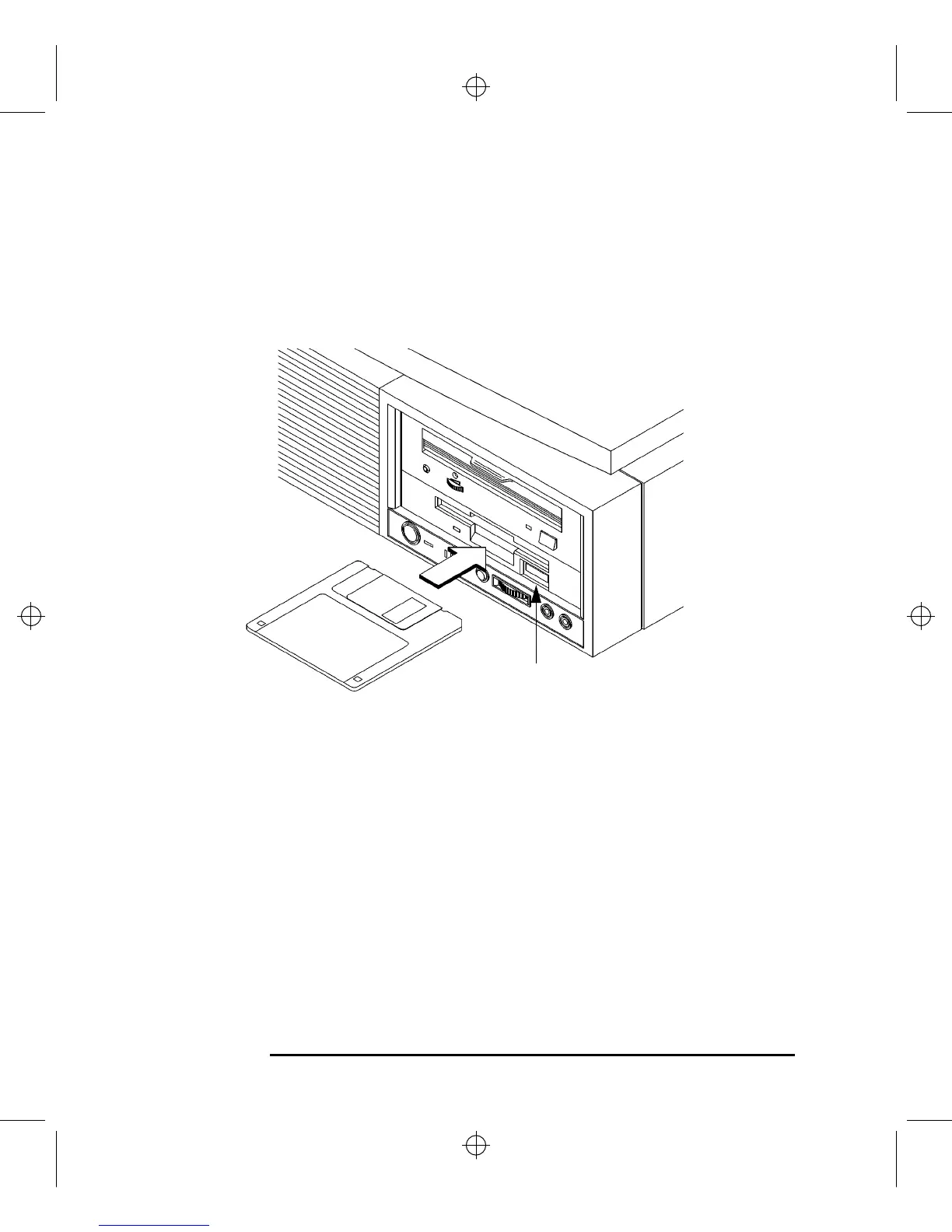
Follow these steps to insert and remove a diskette from the floppy disk drive:
1 Insert the diskette into the drive, as shown in Figure 23.
Figure 23 Inserting and Removing a Floppy Diskette
2 Push the diskette into the floppy drive until it clicks into place.
3 To remove the diskette, push the eject button, as shown in Figure 23, then remove
the diskette.
Eject Button



 To Next Page