cd_rom.doc 33 Tue Jul 2 09:16:03 1996
33
Using Your CD-ROM Drive
Operating the CD-ROM Drive
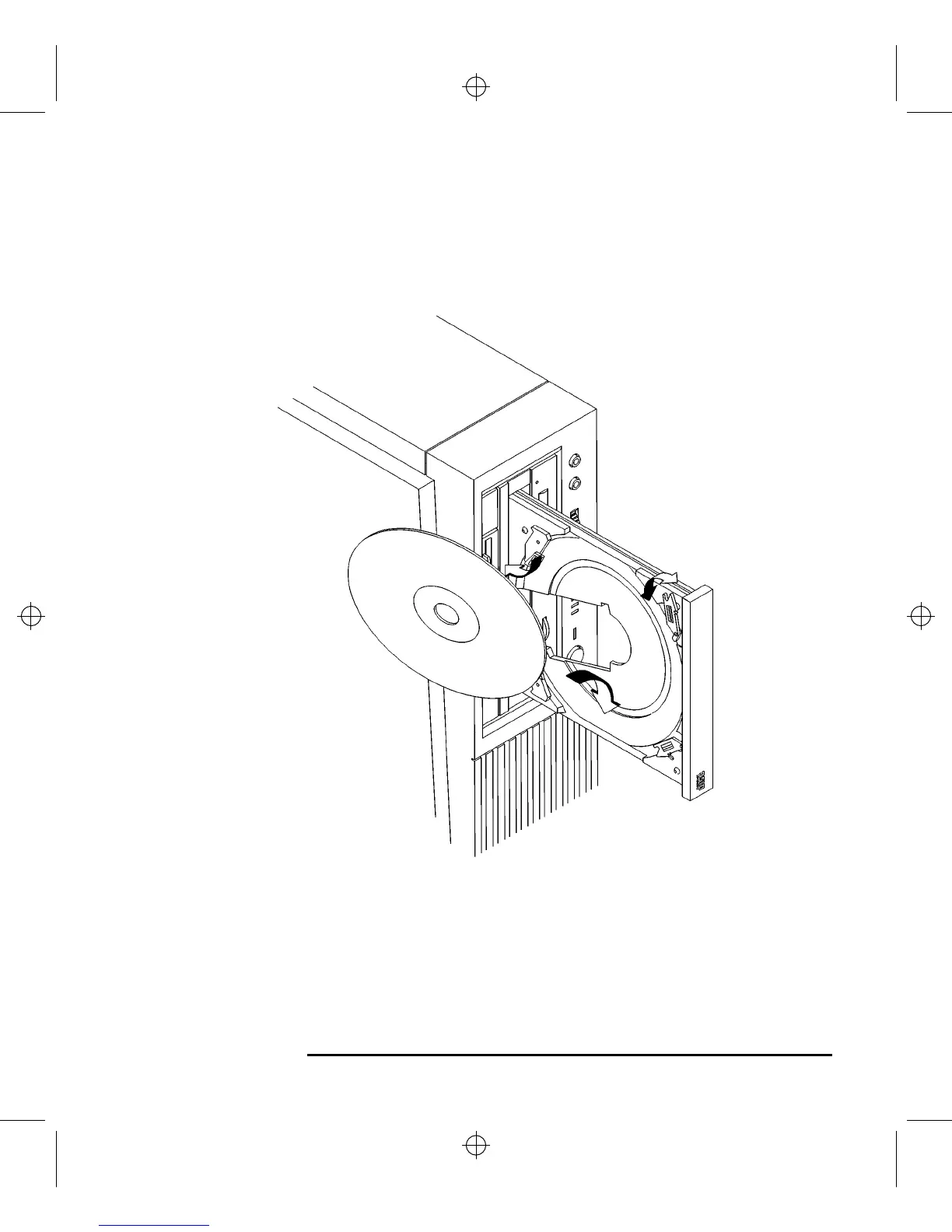
2 Hold the disc with the label side away from the tray and place the edge of the disc
onto disc holders A and B as shown in Figure 13.
Figure 13 Placing a CD-ROM Disc in a Vertically Mounted Drive
3 Press down gently against the spring tension of disc holders A and B, and swing
the top of the disc in until it is held by disc holders C and D.
4 To close the disc tray, push the front of the disc tray gently towards the drive until
it closes by itself.



 To Next Page