B_configure.doc 105 Tue Jul 2 15:27:17 1996
105
Changing Your Workstation’s Hardware Configuration
Installing Storage Devices
Proceed to one of the following sections in this appendix to install your stor-
age device in the disk tray:
• Installing a CD-ROM or a DDS-Format Tape Drive
• Installing a Floppy Drive
• Installing a Hard Disk Drive in Position 3 or Position 4
Installing a CD-ROM or a DDS-Format Tape Drive
Perform the following procedure to install a CD-ROM or DDS tape drive in
the disk tray:
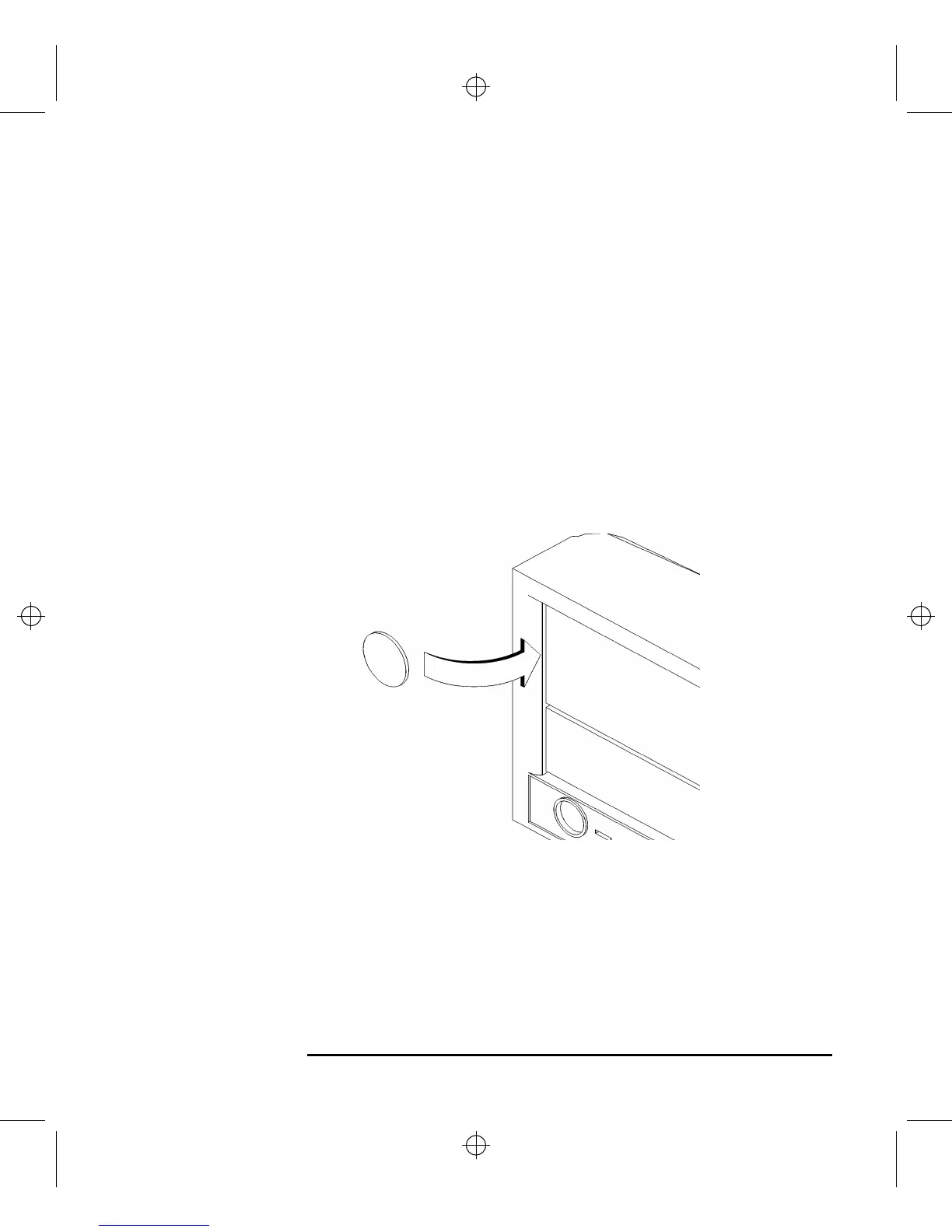
1 Remove the disk filler panel from the top location of the bezel by using a coin or
other flat, blunt object to pry it from the front, as shown in Figure 28.
Figure 28 Removing a Disk Filler Panel



 To Next Page