B_configure.doc 143 Tue Jul 2 15:27:17 1996
143
Changing Your Workstation’s Hardware Configuration
Installing an EISA, PCI, or GSC Option Board
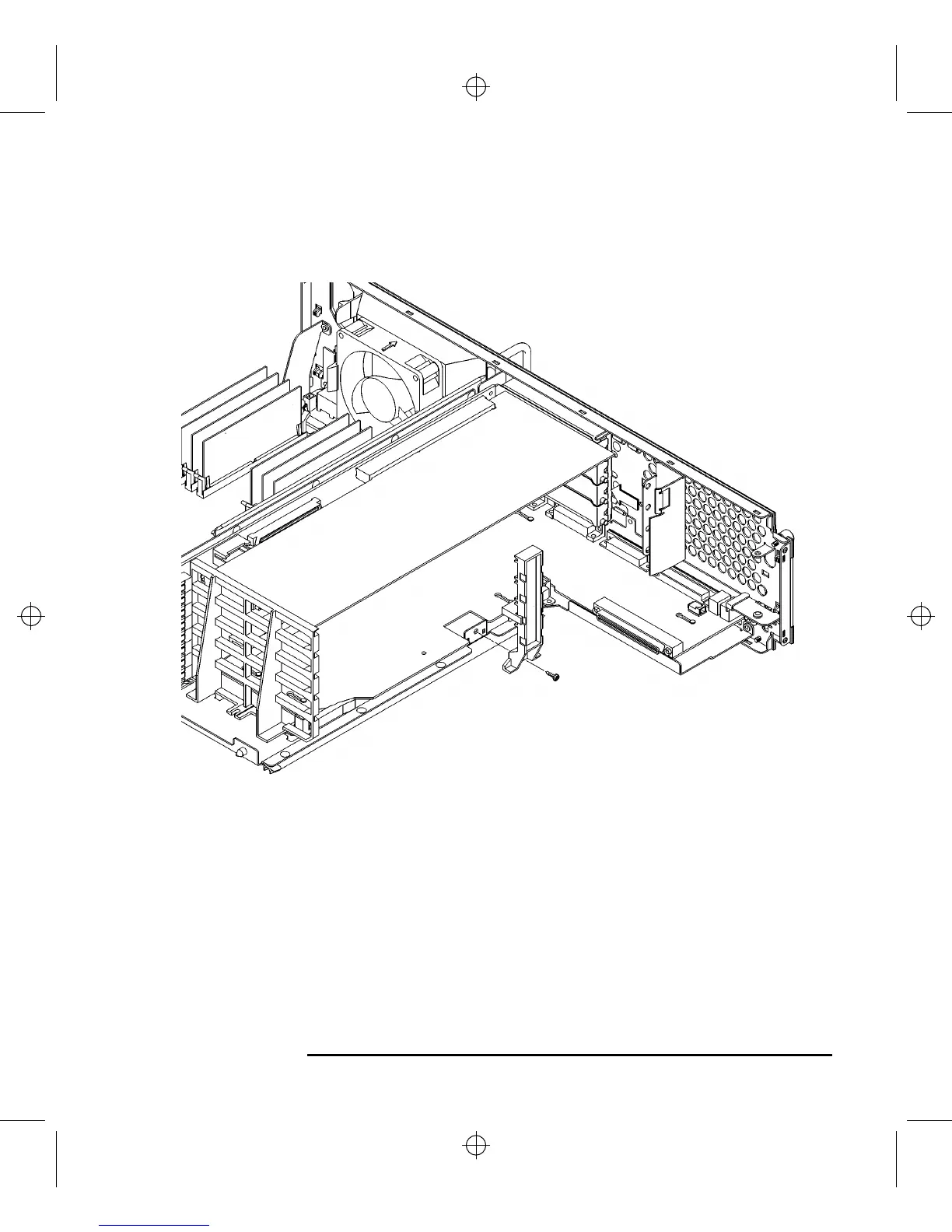
9 Replace the EISA retainer and its screw, as shown in Figure 56.
Figure 56 Installing the EISA Retainer and EISA Slider
10 Replace the EISA slider, as shown in Figure 56.



 To Next Page