B_configure.doc 111 Tue Jul 2 15:27:17 1996
111
Changing Your Workstation’s Hardware Configuration
Installing Storage Devices
Installing a Hard Disk Drive in Position 3 or Position 4
Perform the following procedure to install a hard disk drive in positions 3 or
4 of the disk tray:
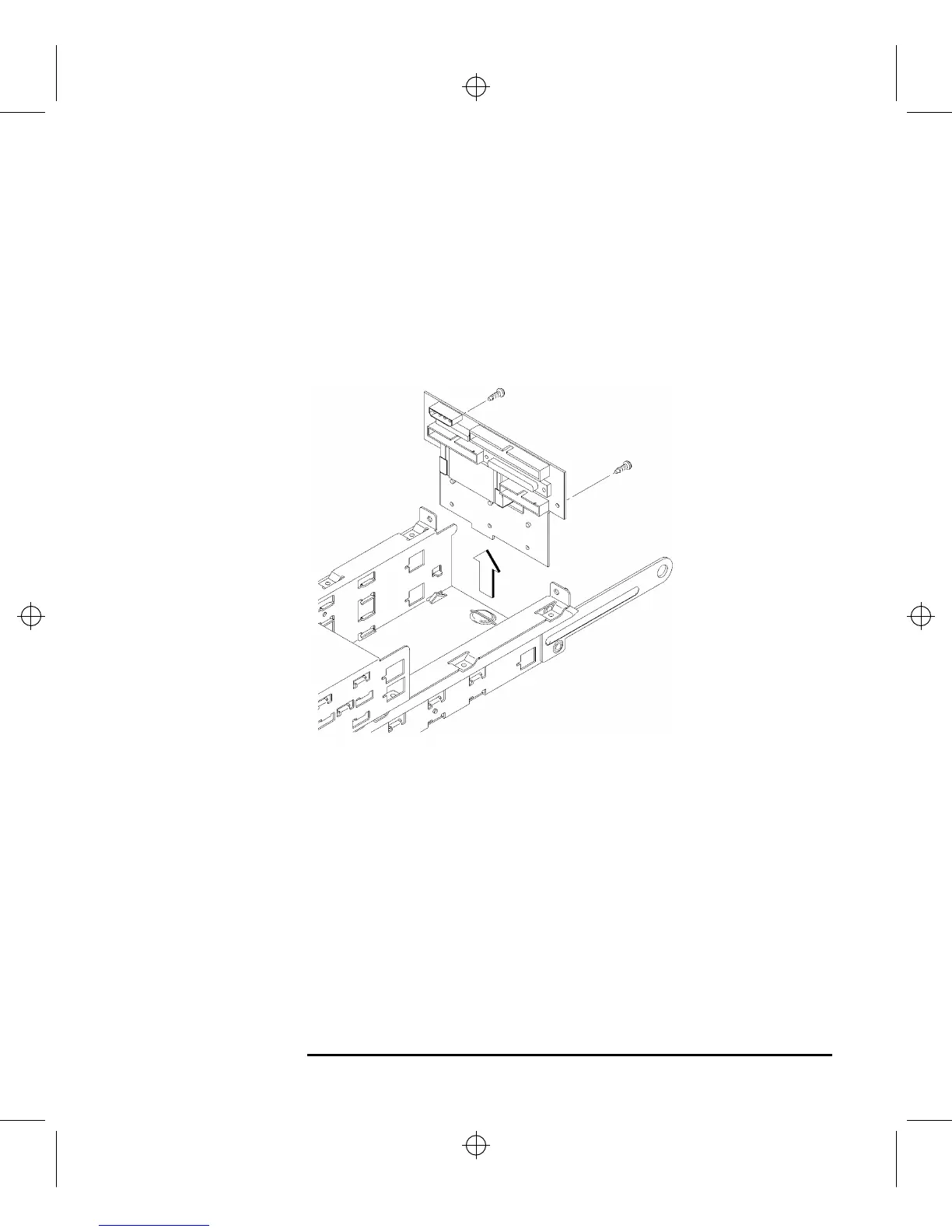
1 Remove the two retaining screws from the disk interconnect board, as shown in
Figure 34.
Figure 34 Removing the Disk Interconnect Board
2 Disconnect any cables from the disk interconnect board.
3 Hold the disk interconnect board on the edges and lift it straight up to remove it,
as shown in Figure 34.



 To Next Page