B_configure.doc 130 Tue Jul 2 15:27:17 1996
130
Changing Your Workstation’s Hardware Configuration
Installing the EGRAM (Enhanced Graphics RAM) Module
Installing the EGRAM (Enhanced Graphics RAM)
Module
Before installing the EGRAM module, perform the procedure in Removing
the Main Tray Assembly on page 118.
Perform the following steps to add the EGRAM module to your workstation:
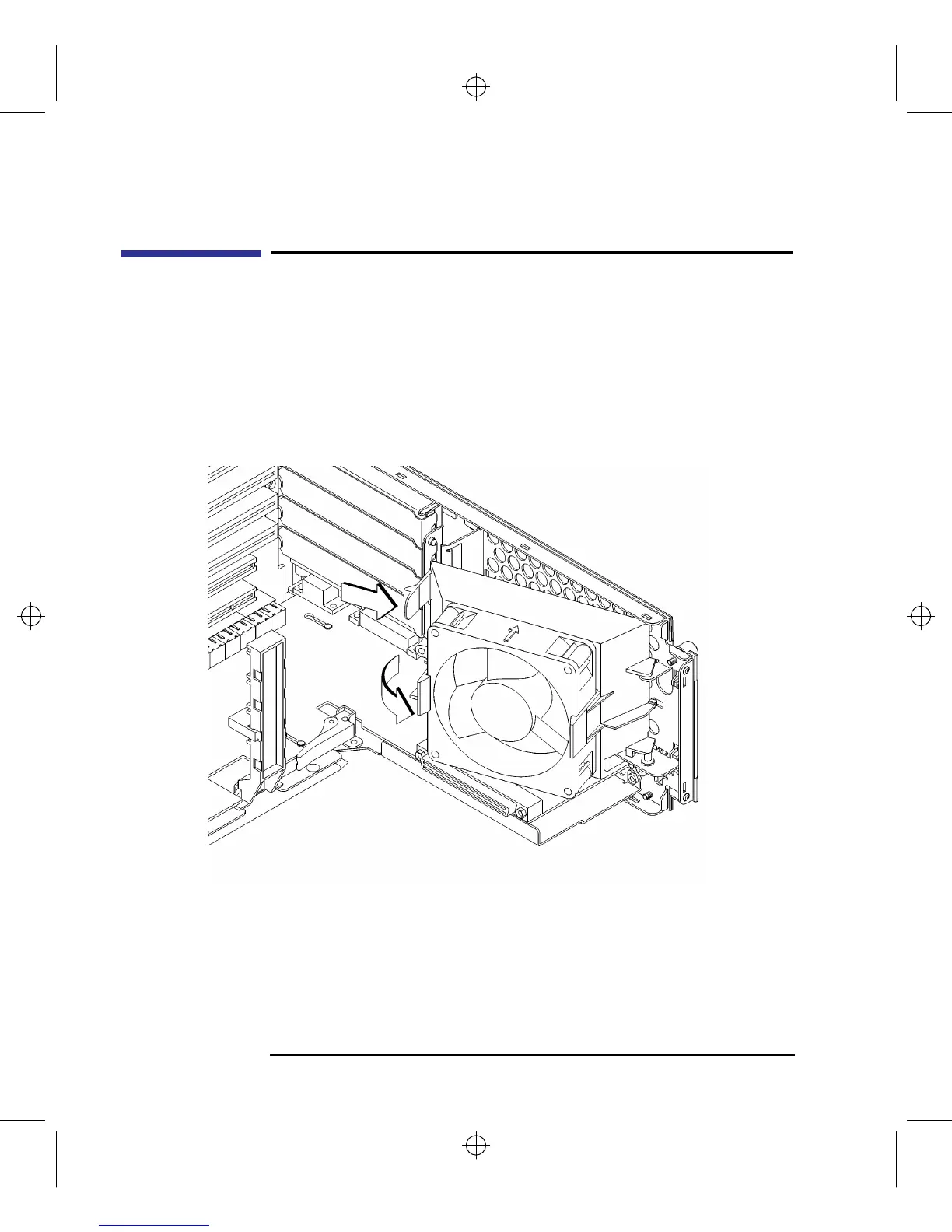
1 Press the release clip and rotate the EISA fan, as shown in Figure 44.
Figure 44 Rotating the EISA Fan



 To Next Page