floppy.doc 61 Tue Jul 2 09:16:50 1996
61
Using Your 3.5-Inch Floppy Disk Drive
Using the Floppy Diskette
Using the Floppy Diskette
This section describes basic information needed for using your floppy dis-
kettes.
Setting the Write-Protect Tab on a Diskette
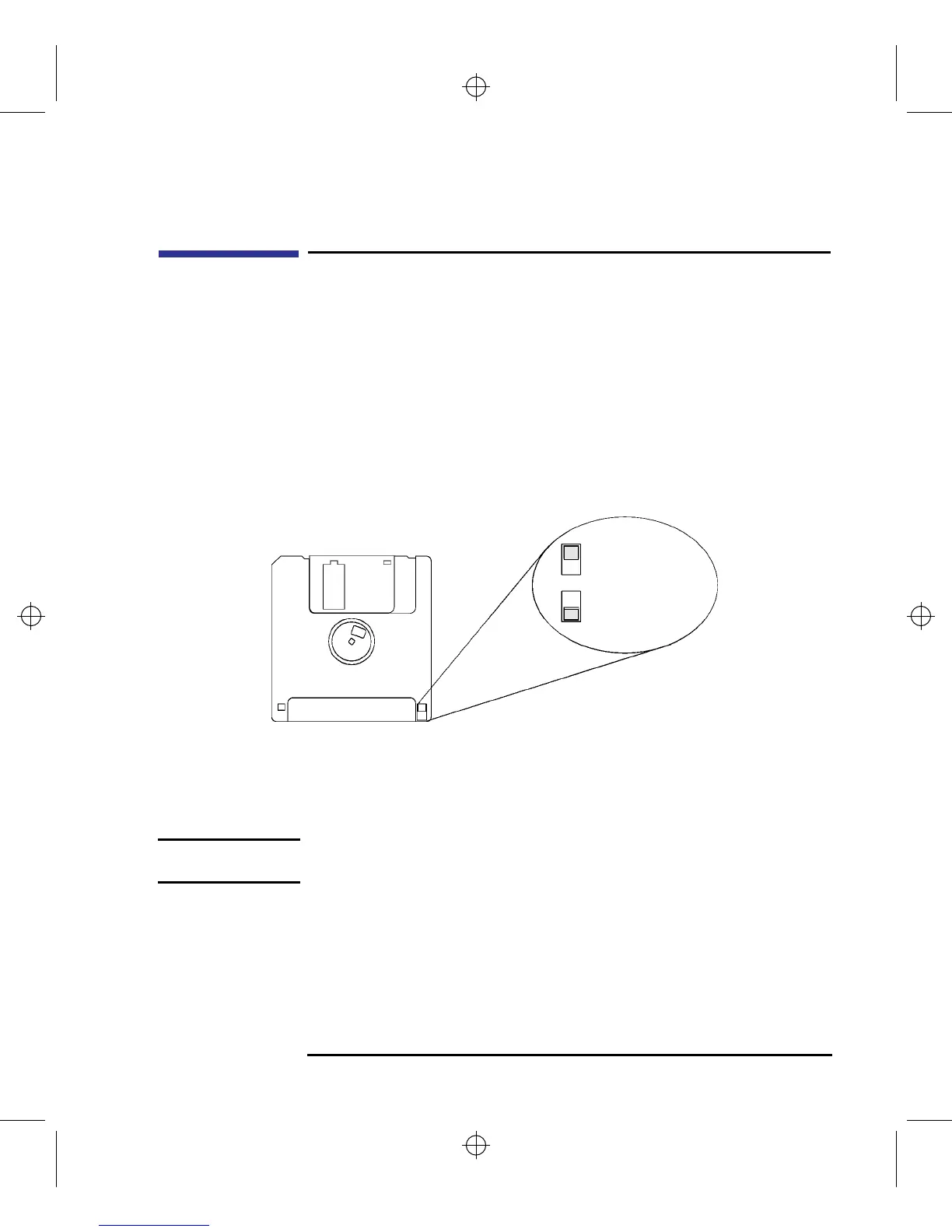
You can only store or change information on a diskette when the write-pro-
tect tab is in the write position. So, before trying to write to the diskette,
make sure that the write-protect tab is in the write position, as shown in Fig-
ure 22.
Figure 22 Setting the Write-Protect Tab on a Floppy Diskette
To protect files on a diskette from being overwritten, set the write-protect tab
to the write-protect position, as shown in Figure 22.
NOTICE: The write-protect tab should always be in the write position for formatting
a new diskette and transferring data to a diskette.
Push tab up
for write.
Push tab
down for
write-protect.



 To Next Page