sys_ovrvw.doc 5 Tue Jul 2 09:09:56 1996
5
Product Information
System Unit Front Panel Controls
System Unit Front Panel Controls
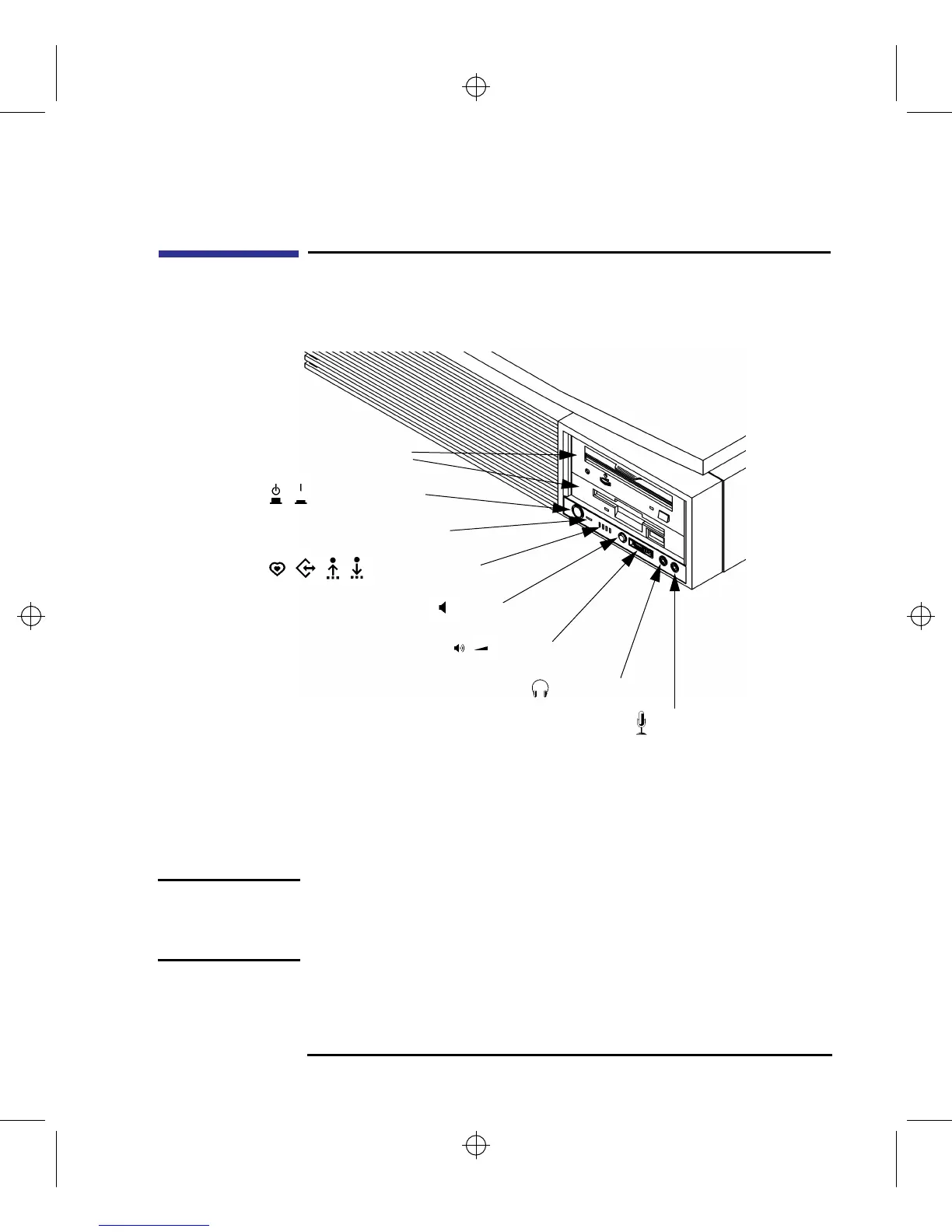
Figure 1 shows the location of the system unit front panel controls.
Figure 1 System Unit Front Panel Controls
System Power Switch
Use the power switch to power the system unit on and off.
NOTICE: There is no need to manually shut down the HP-UX operating system on
your workstation before powering it off. When you turn off the power
switch, your workstation automatically shuts down the operating system
before terminating the power.
Storage Devices
Power Switch
Power LED
System LEDs
Removable
Volume
Mute
Headset
Mic



 To Next Page