B_configure.doc 114 Tue Jul 2 15:27:17 1996
114
Changing Your Workstation’s Hardware Configuration
Installing Storage Devices
Replacing the Storage Tray
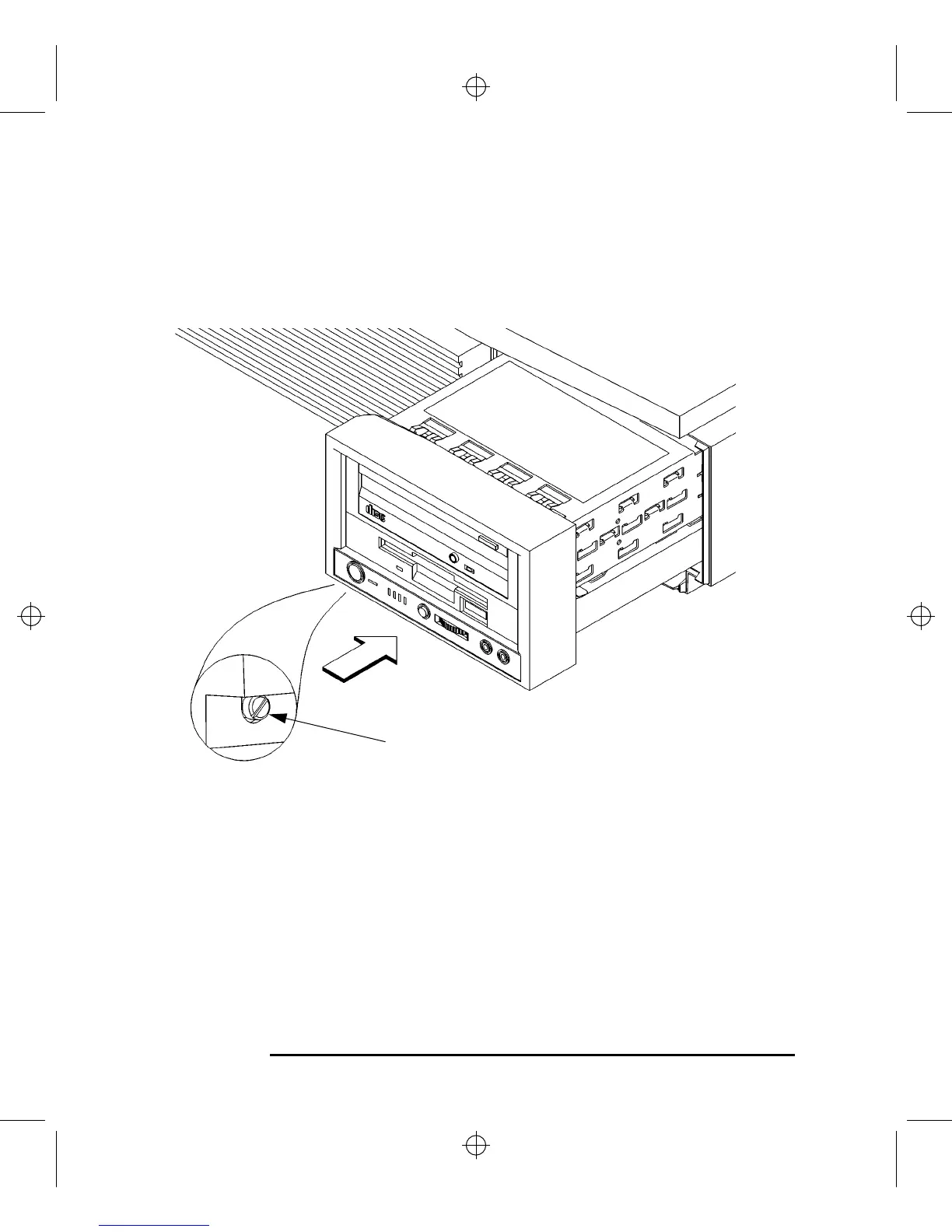
1 Slide the storage tray assembly into the system unit chassis, as shown in Figure
37.
Figure 37 Installing the Storage Tray Assembly
2 Tighten the storage tray retaining screw, as shown in Figure 37.
3 Reconnect the power cords to the system unit, the monitor, and any peripherals.
Connect the power cords to the ac wall outlets.
4 Power on any peripherals, the monitor, and the system unit.
Retaining Screw



 To Next Page