B_configure.doc 128 Tue Jul 2 15:27:17 1996
128
Changing Your Workstation’s Hardware Configuration
Installing Second Level Cache Boards
Installing Second Level Cache Boards
Before installing second level cache boards, perform the procedure in
Removing the Main Tray Assembly on page 118.
Follow these steps to install second level cache boards into your C160L
workstation.
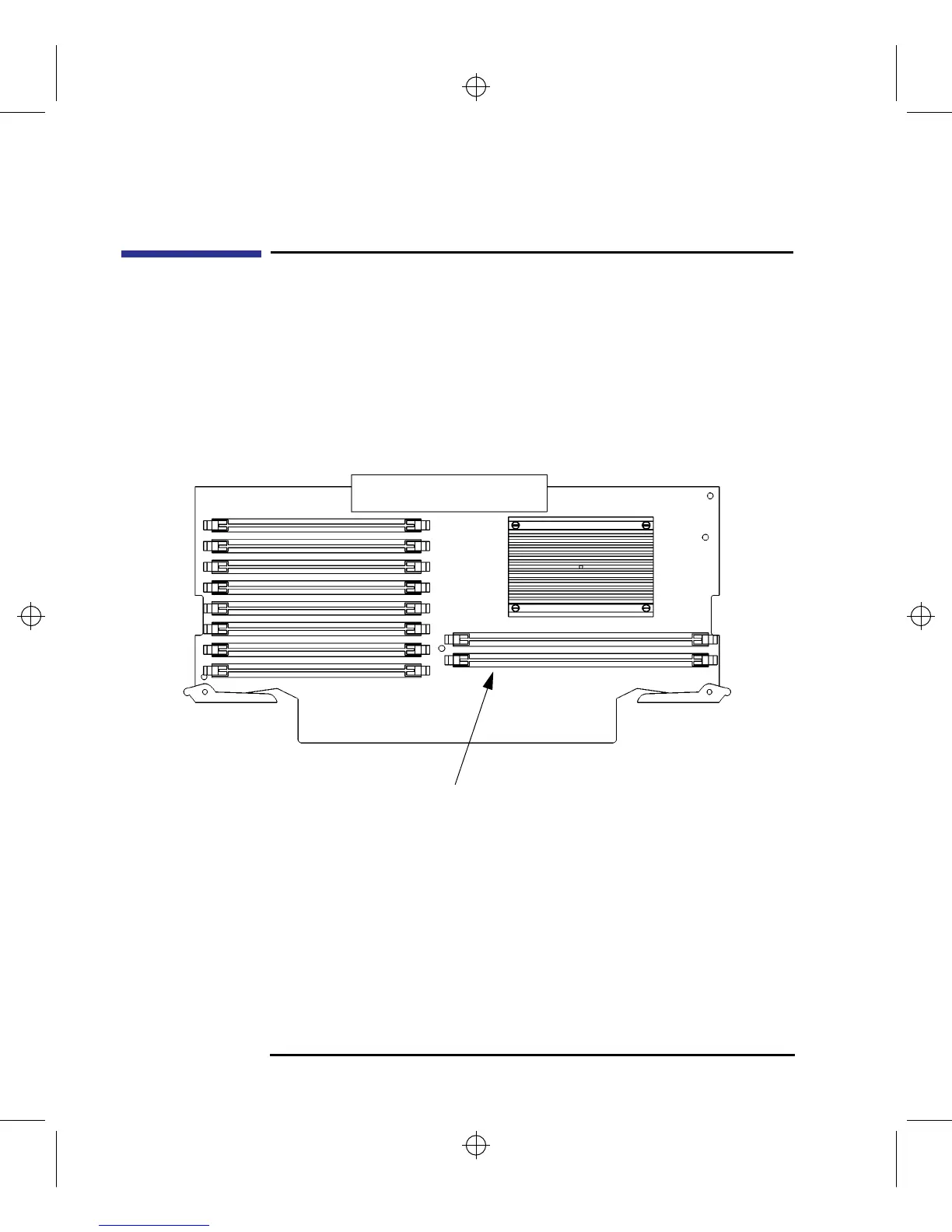
1 Locate the cache board connectors on the CPU board, as shown in Figure 42.
Figure 42 Cache Boards Location
Cache Board Connectors



 To Next Page