B_configure.doc 113 Tue Jul 2 15:27:17 1996
113
Changing Your Workstation’s Hardware Configuration
Installing Storage Devices
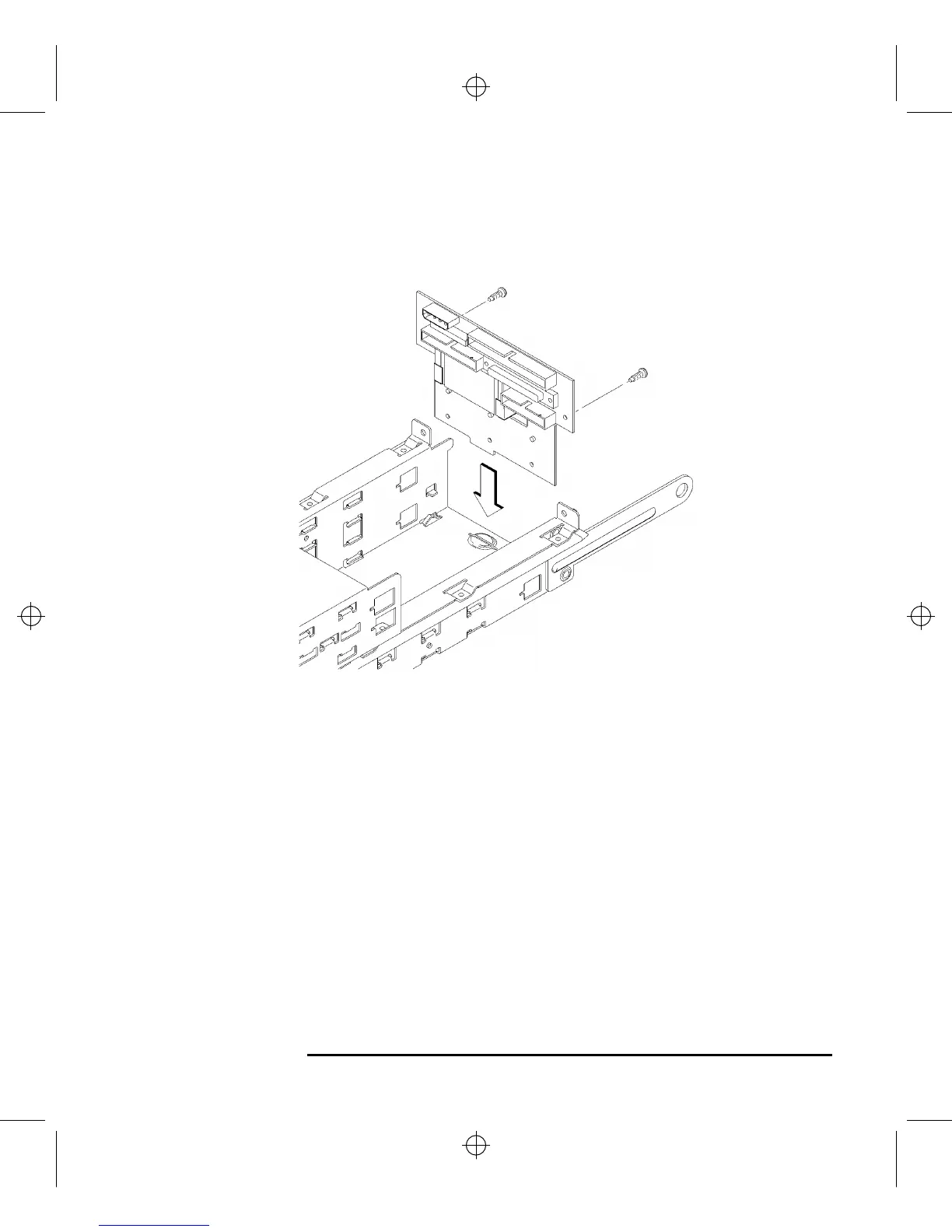
7 Slide the disk interconnect board into the storage tray, as shown in Figure 36.
Figure 36 Installing the Disk Interconnect Board
8 Reconnect the human interface cable, and the disk drive data and power cables to
the disk interconnect board.
9 Replace the disk interconnect board retaining screws and tighten them firmly, as
shown in Figure 36.
10 Proceed to the section entitled “Replacing the Storage Tray.”



 To Next Page