dds_tape.doc 51 Tue Jul 2 09:15:14 1996
51
Using Your Digital Data Storage (DDS) Tape Drive
DDS Tape Drive and Data Cassette Descriptions
Setting the Write-Protect Tab on a Data Cassette
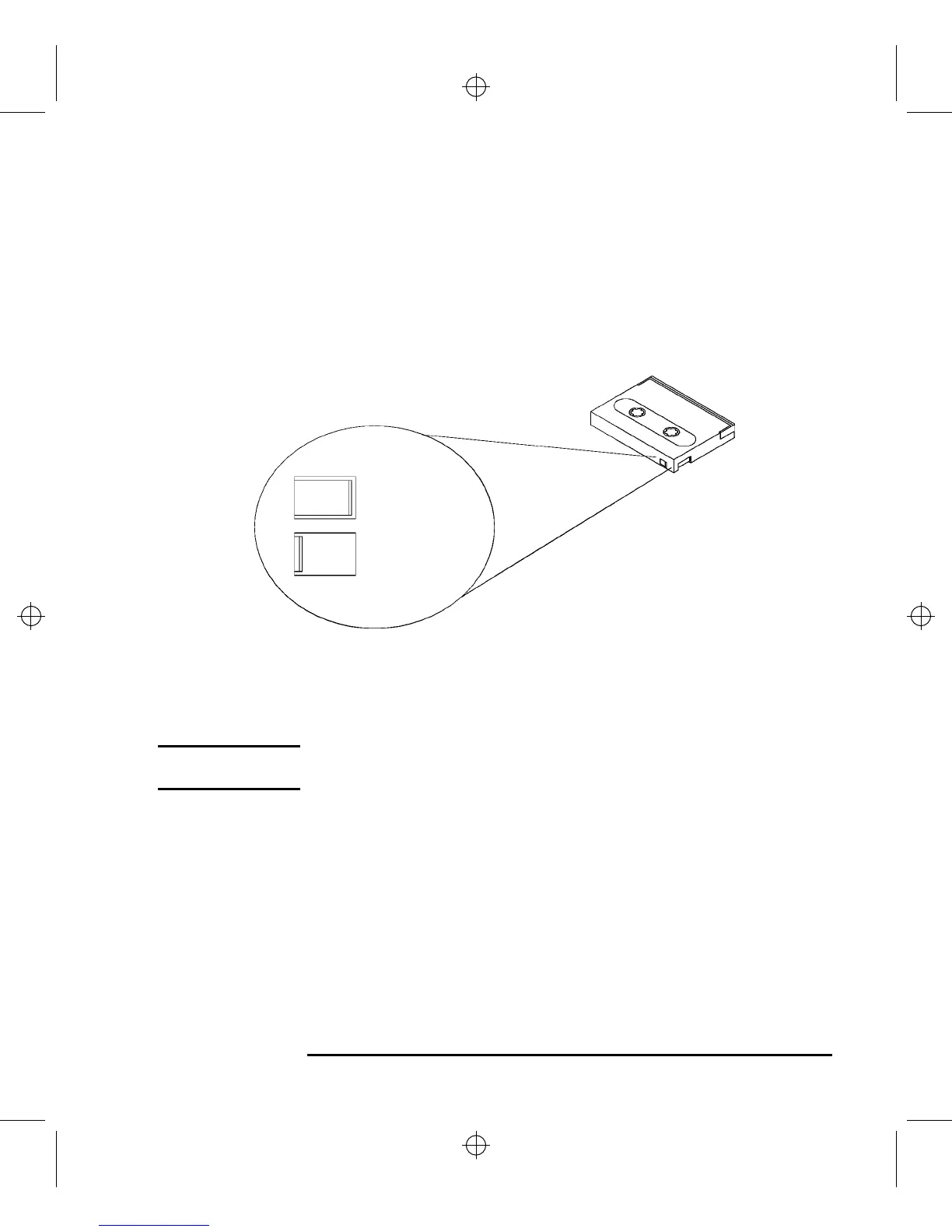
You can only store or change information on a data cassette when the write-
protect tab is in the write position. So, before trying to write to the data cas-
sette, make sure that the write-protect tab is in the write position, as shown
in Figure 20.
Figure 20 Setting the Write-Protect Tab on a DDS Tape
To protect information on a data cassette from being overwritten, set the
write-protect tab to the write-protect position, as shown in Figure 20.
NOTICE: The write-protect tab should always be in the write position for transferring
data to a cassette.
Push tab right
for write.
Push tab
left for
write-protect.



 To Next Page