cd_rom.doc 29 Tue Jul 2 09:16:03 1996
29
Using Your CD-ROM Drive
Operating the CD-ROM Drive
Operating the CD-ROM Drive
This section describes how to perform tasks with your CD-ROM drive.
Loading and Unloading a CD-ROM in the Disc Tray
This subsection describes how to load or unload a CD-ROM disc in the CD-
ROM drive.
Disc Tray Description
This CD-ROM is designed to be used in either the horizontal or vertical
position, depending on whether your system unit is horizontal or vertical (in
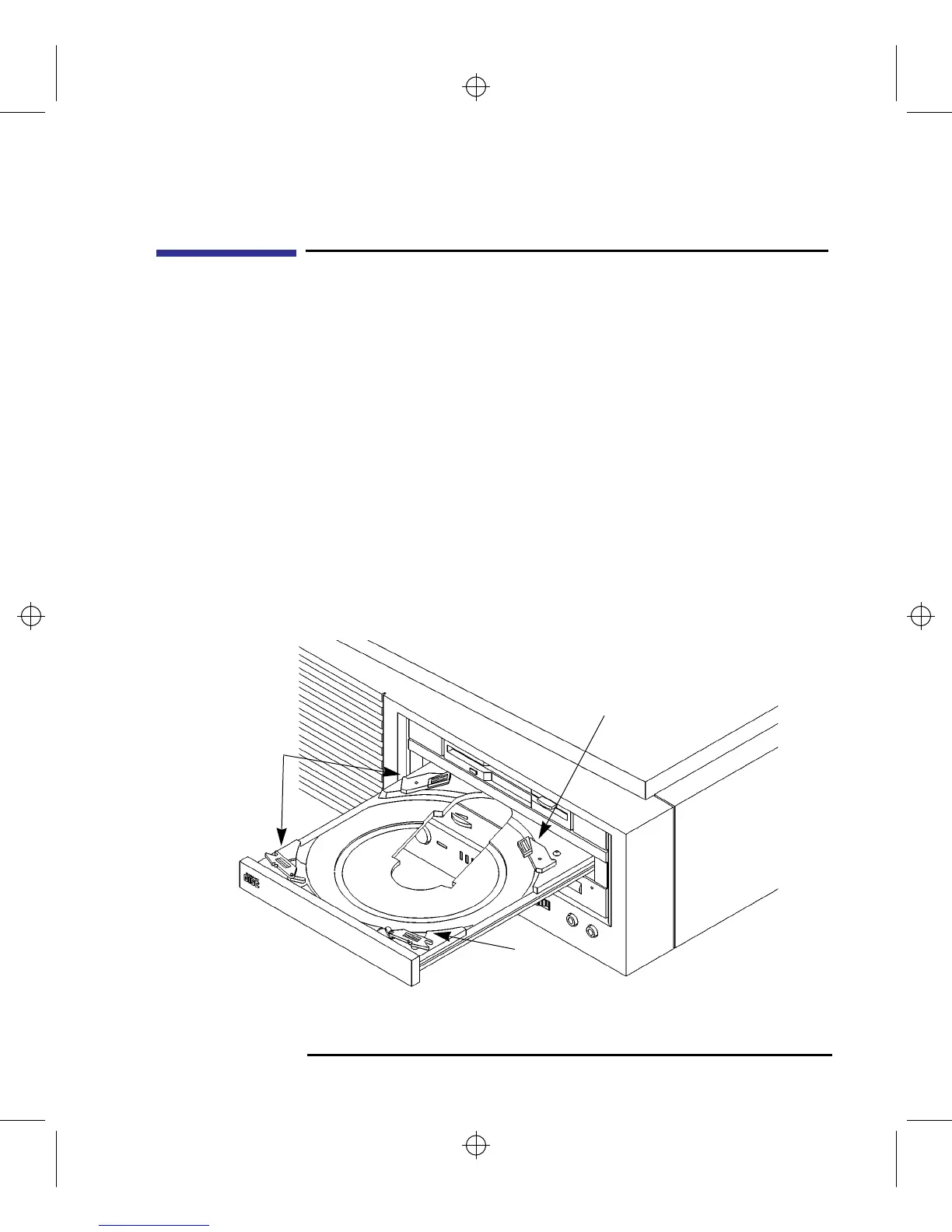
the floor stand). The disc tray has four spring-loaded disc holders that hold
the disc in place when the CD-ROM drive is in the vertical position. When
the drive is in the horizontal position, the disc holders are not used and are
held out of the way by four disc holder retainers. Figure 9 shows the CD-
ROM disc tray, and disc holders.
Figure 9 CD-ROM Disc Tray
Disc
Holder
Disc
Holder
Disc
Holder



 To Next Page