C_scsi.doc 164 Tue Jul 2 14:56:06 1996
164
SCSI Connections
Connecting to the SCSI Ports
Connecting to the SCSI Ports
This section describes how to connect to the system SCSI ports (single-
ended and fast, wide).
System SCSI Port Connection
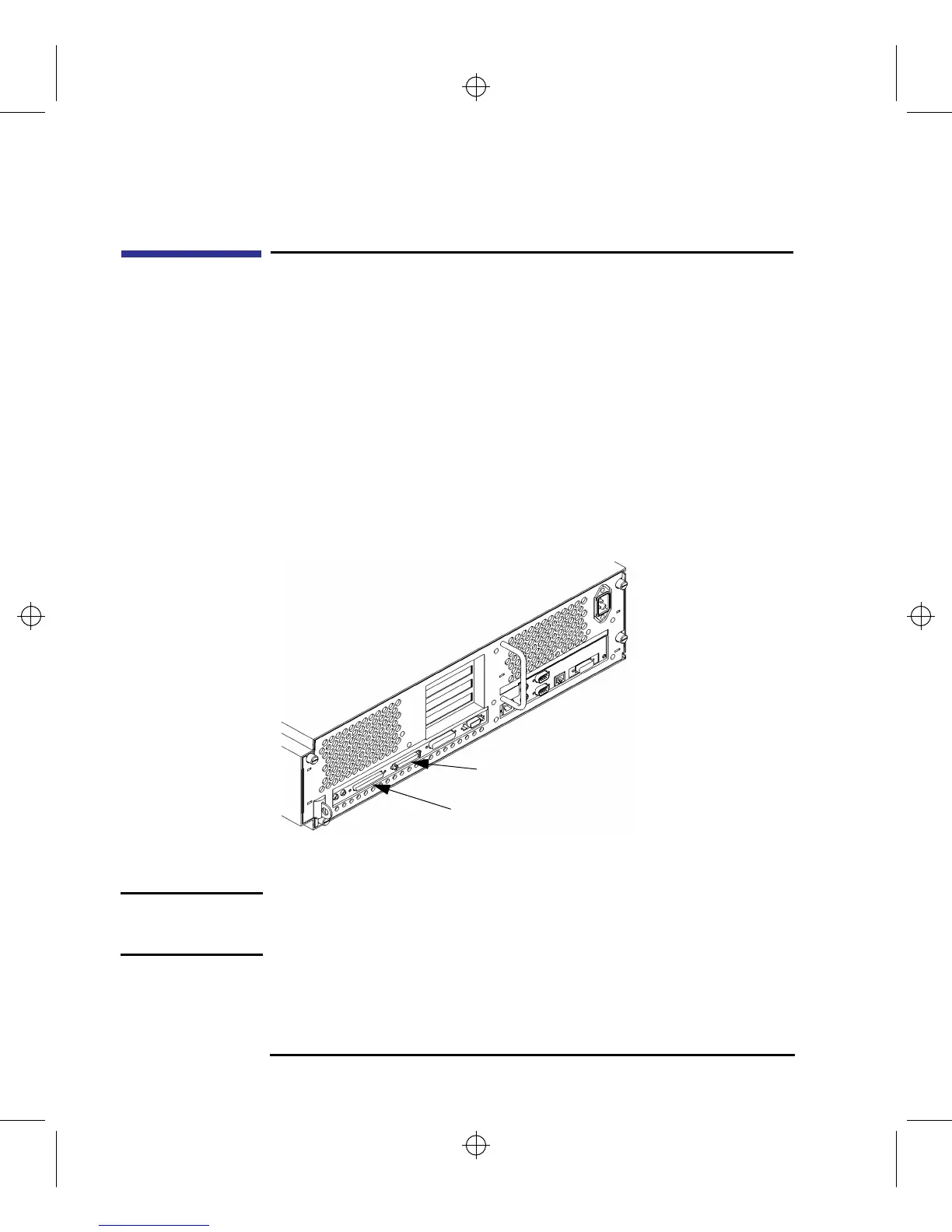
The system contains two (2) SCSI connectors:
• System Single-Ended SCSI Connector
• System Fast, Wide SCSI Connector
Figure 59 shows the two SCSI connectors. SCSI cables connect to these
ports with a high-density thumb screw connector.
Figure 59 Rear Panel SCSI Connectors without Terminators
NOTICE: It is necessary to put a terminator on empty SCSI connectors on the
backpanel,or the last external device Terminators are shipped with
the system.
Fast, Wide SCSI
Single-ended SCSI



 To Next Page