The new password should meet the following requirements:
● Contains at least eight characters.
● Contains at least two types of characters: lowercase letter, uppercase letter,
digit, space, and special character (`~!@#$%^&*()-_=+\|[{}];:'",<.>/?).
● Be
dierent from the user name or user name in its inverted order.
If a user enters incorrect passwords for ve times, the user's account will be locked for 10
minutes.
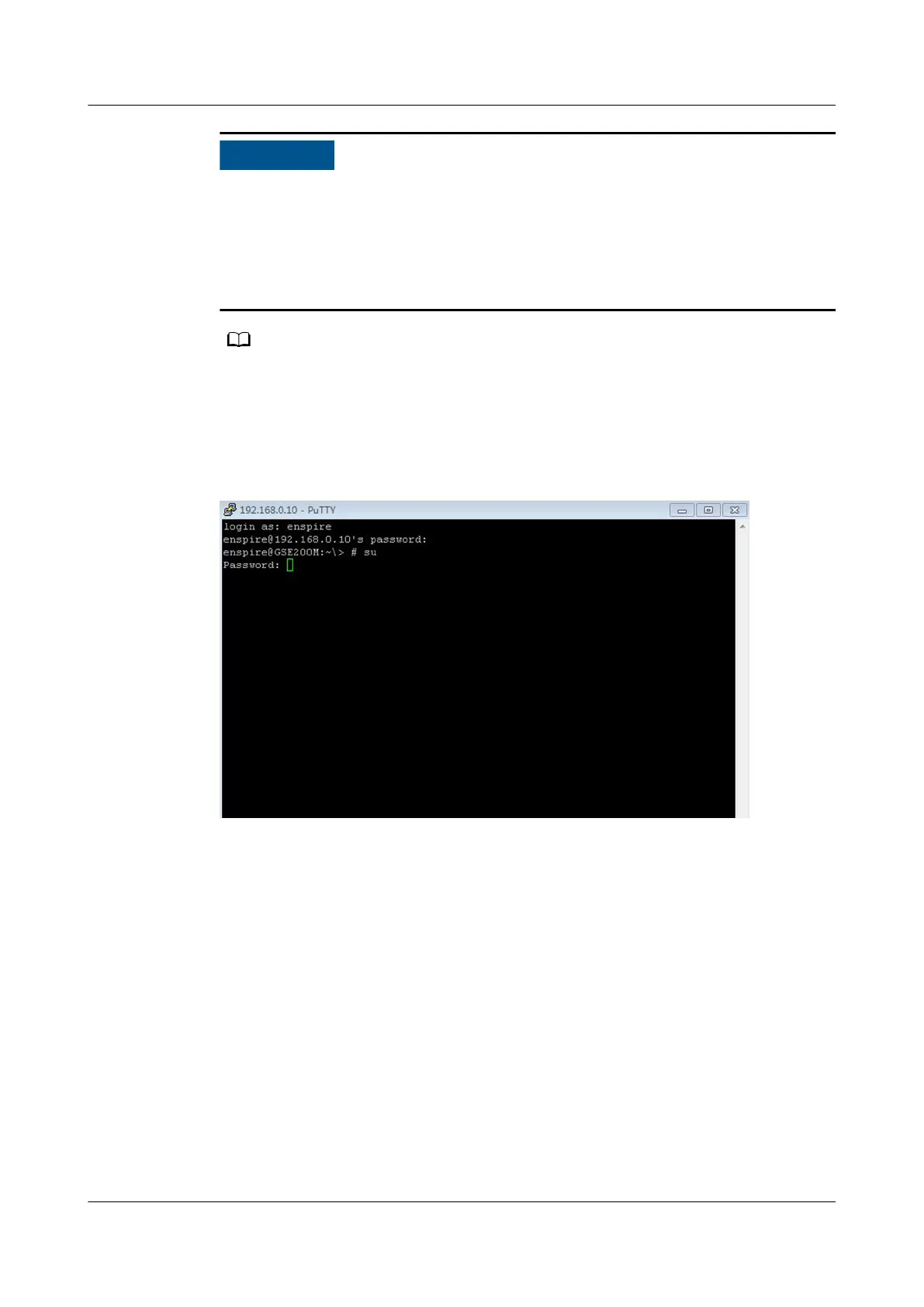
Step 3 After successful login, enter su and Changeme to switch to the root user, as
shown in Figure 4-47.
Figure 4-47 Switching to the root user
Step 4 Enter passwd (the password change command) to change the password. In the
displayed window, enter a new password and conrm it, as shown in Figure 4-48.
NetCol5000-A(025, 035) In-row Air Cooled Smart
Cooling Product
User Manual (600 mm Width) 4 ACC Introduction
Issue 17 (2020-10-22) Copyright © Huawei Technologies Co., Ltd. 131







 To Next Page