TE20 Videoconferencing Endpoint
Huawei Proprietary and Confidential
Copyright © Huawei Technologies Co., Ltd.
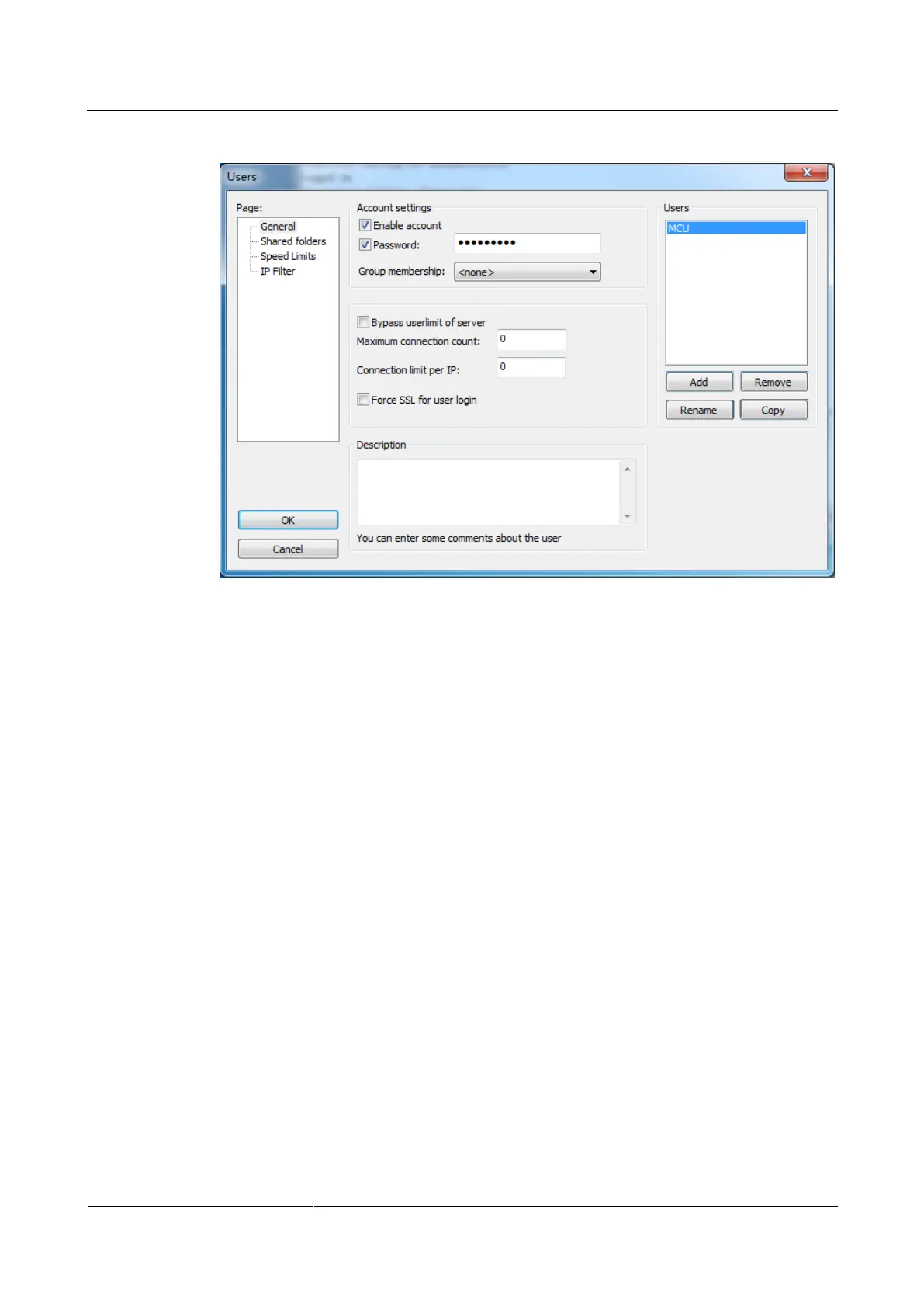
Figure 10-5 Adding a user
Step 7 Click Add to add a user. Select Enable account and Password and enter the Password.
Step 8 Click Shared folders under Page, then click Add, and set the path for the user root directory
of FTPS server, as shown in Figure 10-6.



 To Next Page