TE20 Videoconferencing Endpoint
Huawei Proprietary and Confidential
Copyright © Huawei Technologies Co., Ltd.
Sound test: Choose Maintenance > Diagnostics. On the Diagnostics page, click Sound
Test. While the test audio stored on your endpoint plays, check the sound quality.
Color bar test: Choose Maintenance > Diagnostics. On the Diagnostics page, click
Color Bar Test. Seven color bars are shown on the display for you to check the color
quality.
Loopback Test
Your endpoint can transmit audio or video data on a channel to simulate an actual application
and test whether the output is satisfactory. You can perform a local loopback test to check the
local network connection or a remote loopback test to check the remote network connection.
When you perform a remote loopback test, data is transmitted from your site to a remote site,
and then back to your site. Table 11-2 lists the types of loopback tests available on your
endpoint.
To enable your endpoint to communicate with other endpoints, stop the loopback test.
You cannot perform a loopback test on remote video if you are in a dual-stream
conference.
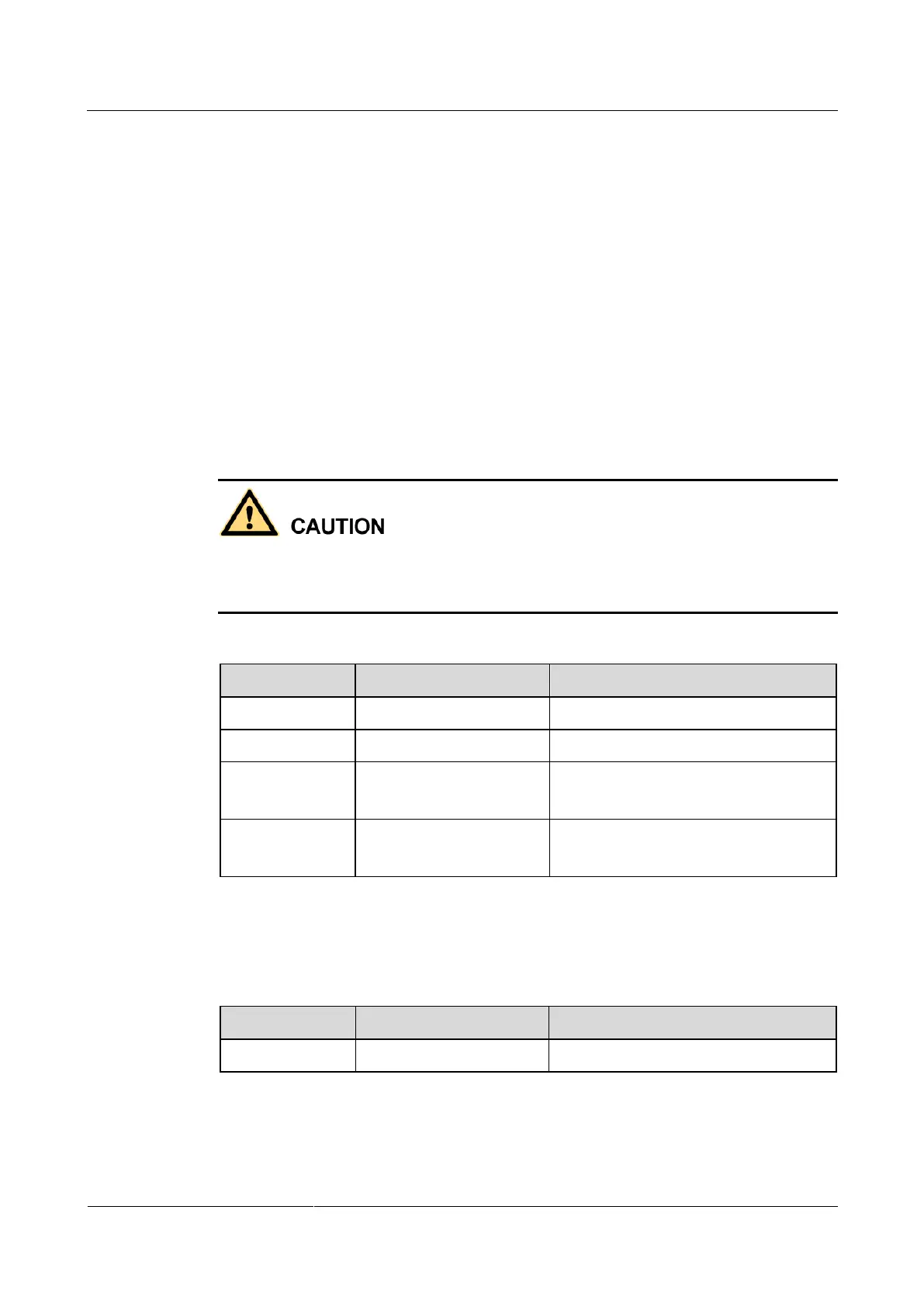
Table 11-2 Loopback tests
Microphone → 1 → 2 → Speaker
Microphone → 1 → 5 → 6 → 7 → 8 →
6 → 5 → 2 → Speaker
Camera → 3 → 5 → 6 → 9 → 10 → 6
→ 5 → 4 → Monitor
Network Test
Table 11-3 Network test
endpoint → LAN or public network
Before a test, verify that the LAN network port indicator is green, which indicates that your
endpoint is correctly connected to an IP network.



 To Next Page