14
1
PANEL DESCRIPTION
1
2
3
4
5
6
7
8
9
10
11
12
13
14
15
16
17
18
19
20
21
D M2 (Menu 2)
SCAN MEM SWR TCON VSC
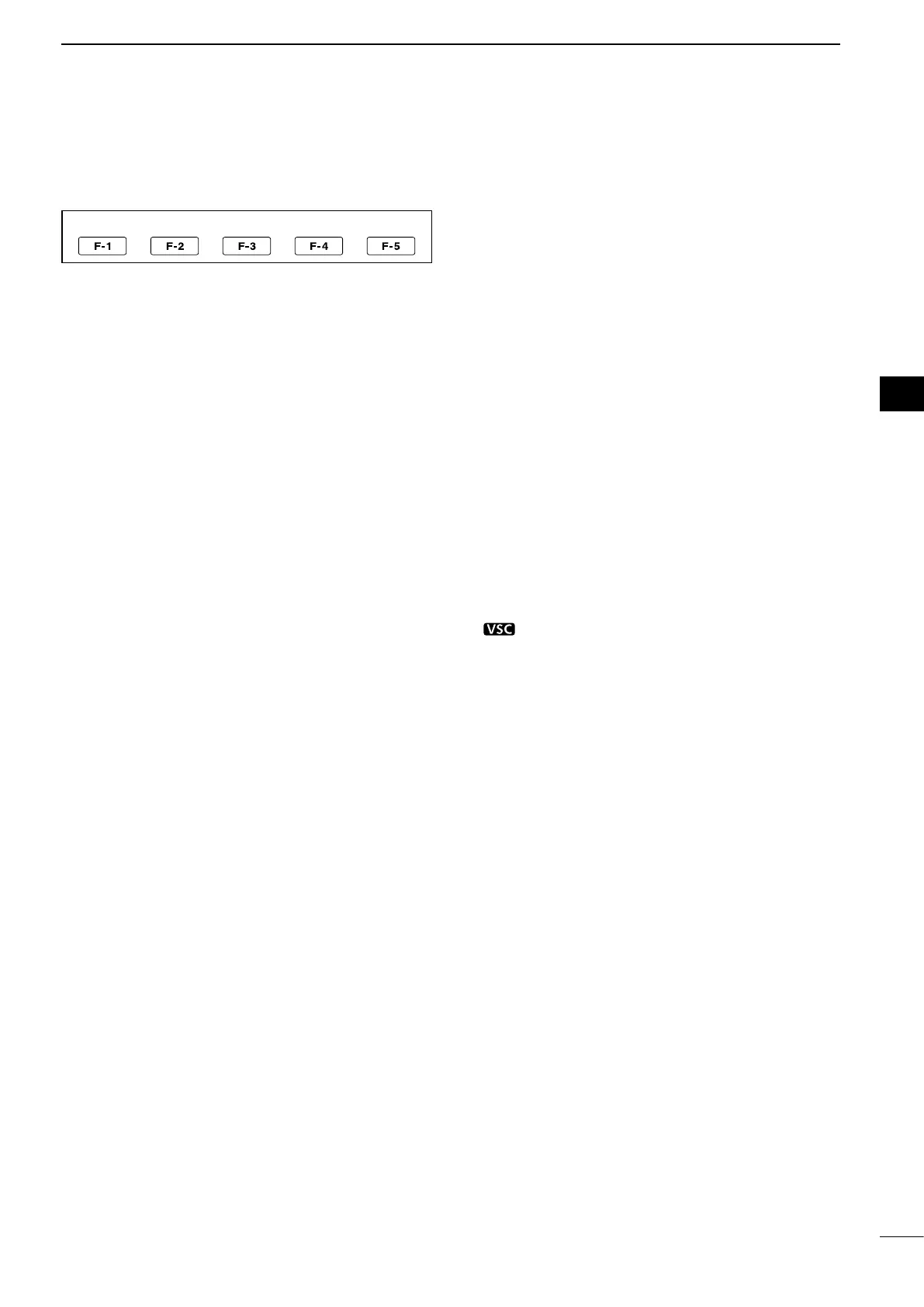
D Function keys on M2 (Menu 2)
SCAN KEY [SCAN](F-1) (p. 75)
(Mode: SSB/CW/RTTY/AM/FM)
Push to display the
“
SCAN
”
screen.
MEMORY NAME KEY [MEM](F-2) (p. 73)
(Mode: SSB/CW/RTTY/AM/FM)
Push to display the “MEM” screen (Memory Name
Edit).
SWR GRAPH FUNCTION KEY [SWR](F-3) (p. 68)
(Mode: SSB/CW/RTTY/AM/FM)
Push to display the
“
SWR
”
screen.
TONE CONTROL SET MODE KEY [TCON](F-4)
(p. 90)
(Mode: SSB/CW/RTTY/AM/FM)
Push to enter the Tone Control Set mode.
VSC FUNCTION KEY [VSC](F-5) (p. 76)
(Mode: SSB/AM/FM)
Push to turn the VSC function (Voice Squelch Control)
ON or OFF.
•“ ” appears when the VSC function is ON.


 To Next Page