Chapter 5 PROGRAMING MODE
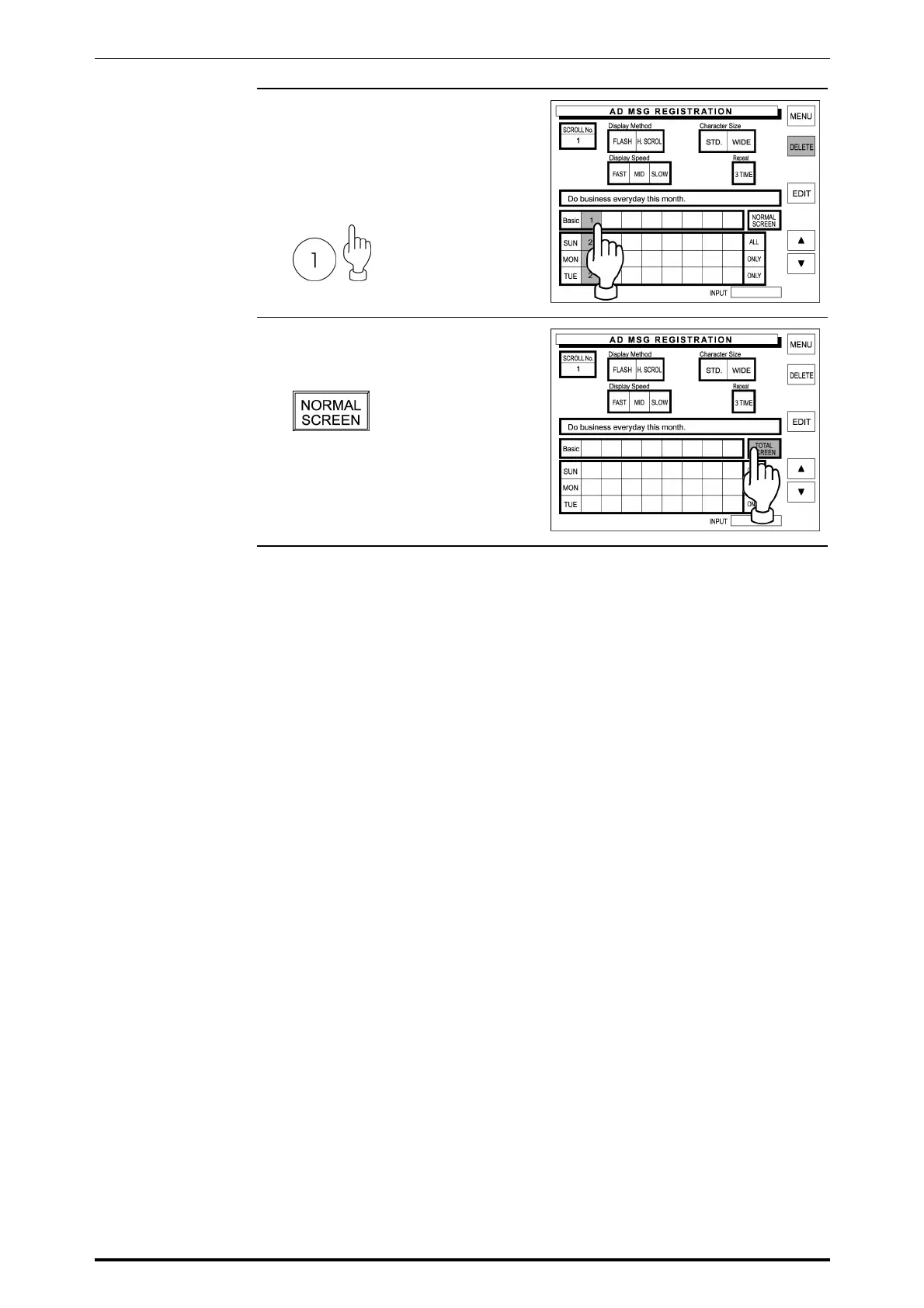
7. Allocate the advertisement
message numbers to each desired
field.
Example: Message No. “1” on
Basic
8. Touch [NORMAL SCREEN] to
change the key display to [TOTAL
SCREEN].
9. Repeat steps 2 through 8 above for
Total Screen allocation.
5-44 SR-2000α User’s Manual (No. 0000A)



 To Next Page