Chapter 3 TOTAL ADJUSTMENT MODE
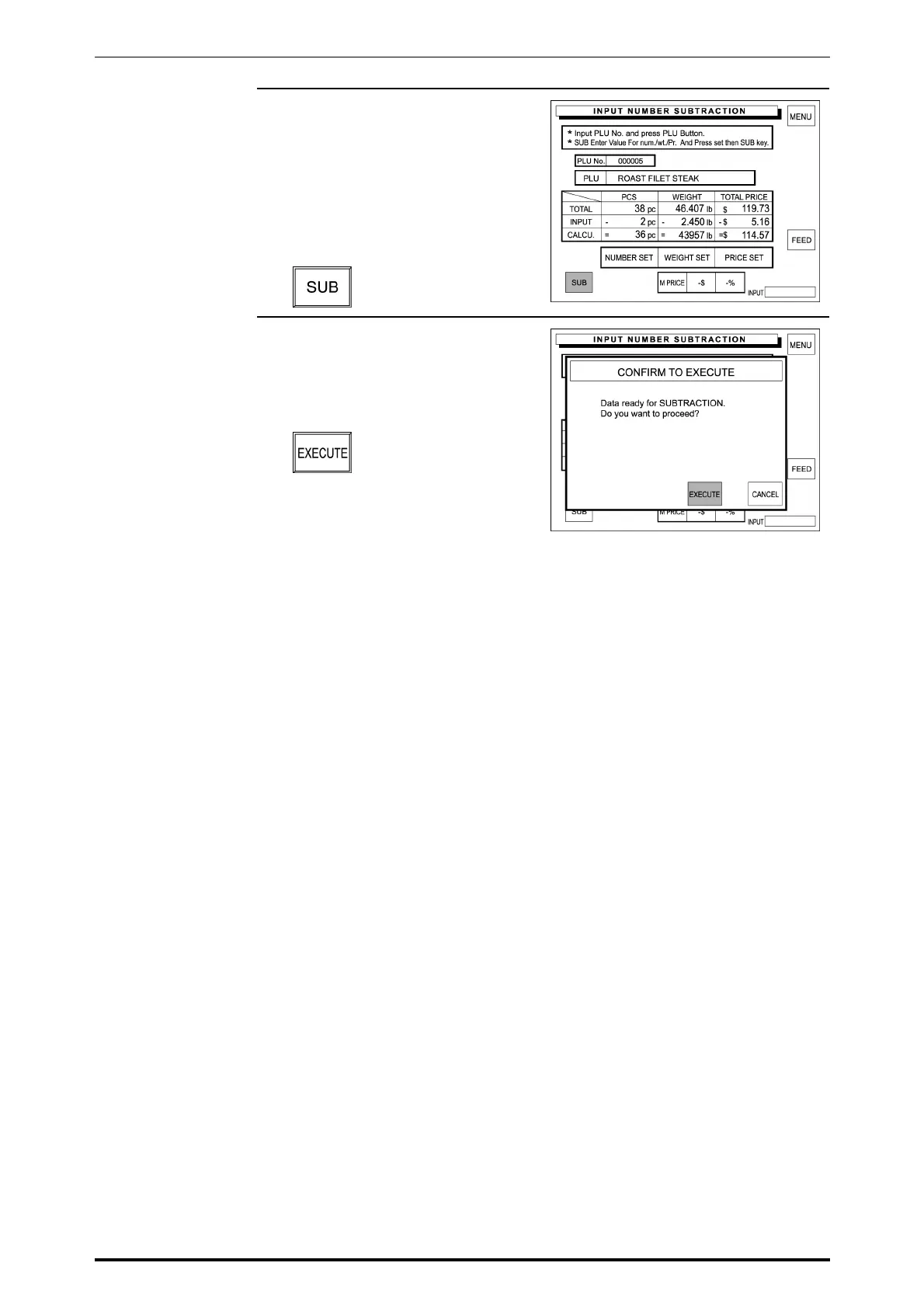
6. The entered data is displayed in
the corresponding INPUT data field
and the result is displayed in the
corresponding CALCULATION
data field.
Touch [SUB] (Subtraction) on the
screen.
7. The confirmation screen will
appear for execution.
Touch [EXECUTE] to execute
these subtractions.
Then, the label will be issued.
SR-2000α User’s Manual (No. 0000A) 3-9



 To Next Page