FX-3R Maintenance Guide
12-10
6) Exit the BIOS setting.
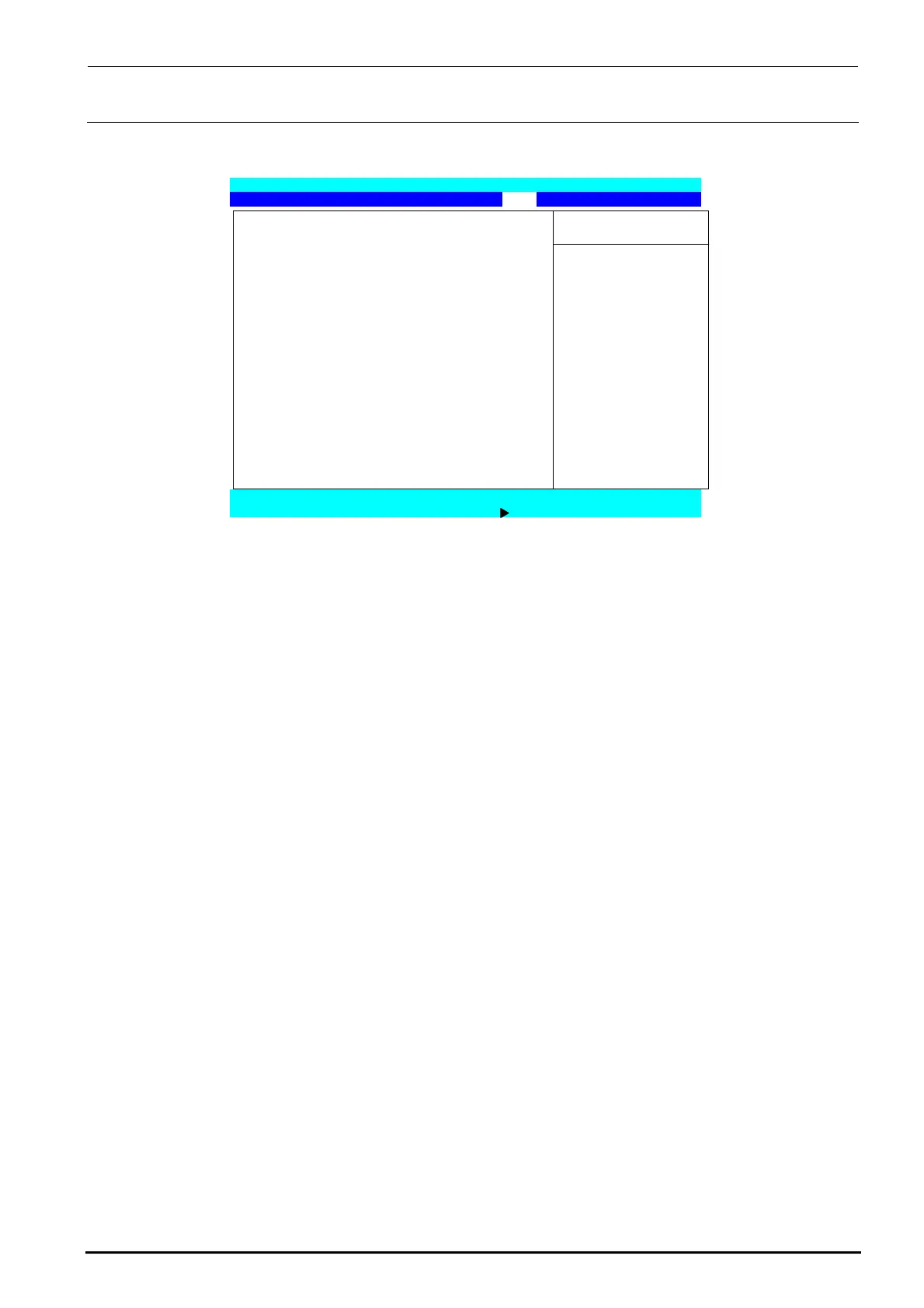
Display the “Exit” menu screen with the [←] or [→] key.
Phoenix TrustedCore (tm) Setup Utility
Main Advanced Security Boot Exit
Item Specific Help
Exit Saving Changes
Exit Discarding Changes
Load Setup Defaults Exit System Setup and
Discard Changes save your change to
Save Changes CMOS.
F1 Help ↑↓Select Item -/+ Change Values F9 Setup Defaults
Esc Exit Select Menu Enter Select Sub-Menu F10 Save and Exit
Figure 12-2-2-1-6 BIOS Screen (Exit Screen)
Move the cursor to “Exit Saving Changes” with the [↑] or [↓] key and press the <ENTER>
key to save the BIOS setting and exit it.
Rev. 1.00



 To Next Page
 Loading...




