FX-3R Maintenance Guide
12-36
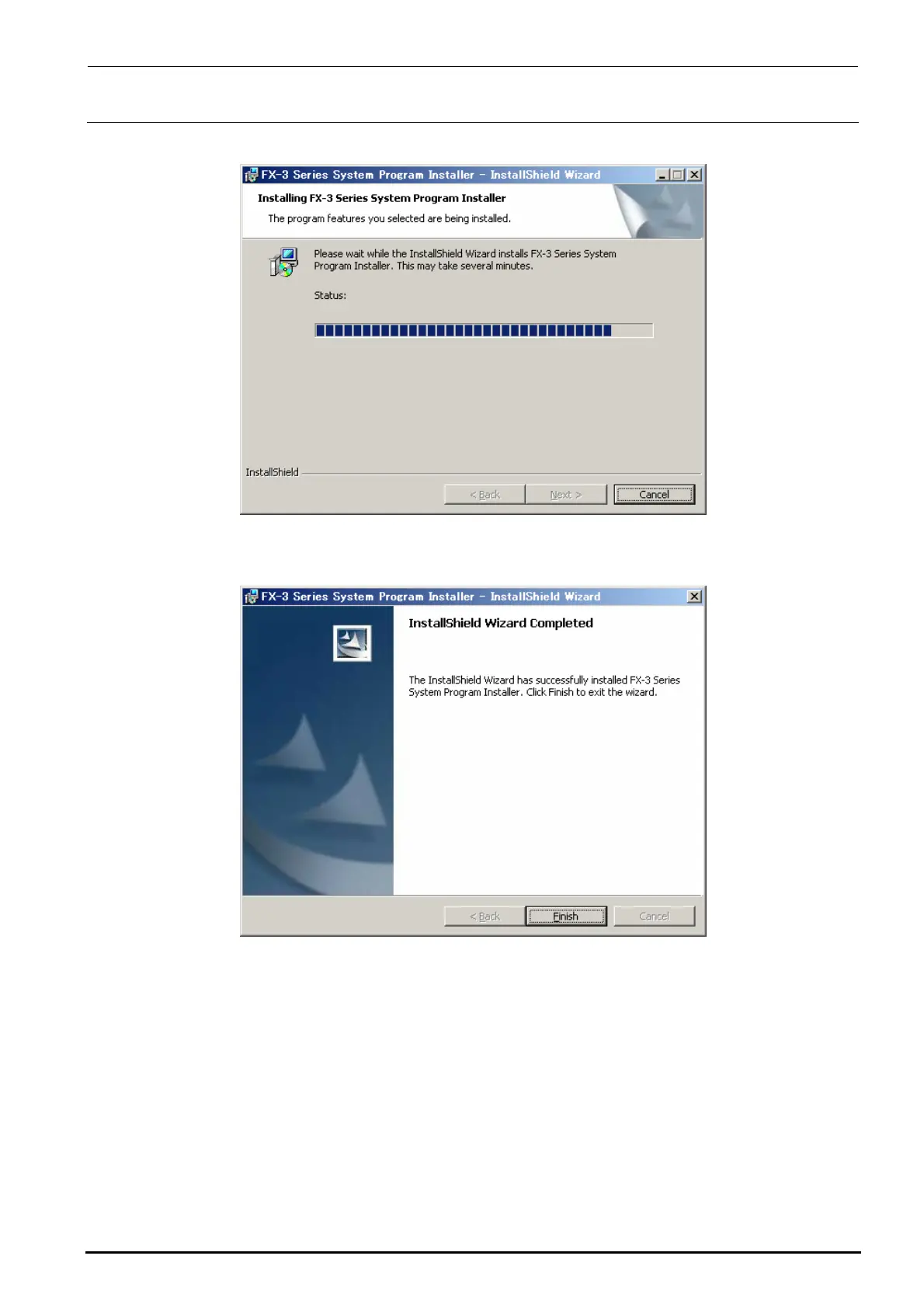
10) The progress status is shown using the progress bar during installation.
11) When the installation is completed, the “InstallShield Wizard Completed” screen will appear.
Click the [Finish] button to complete the installation.
12) Follow the steps stated in section 12-2-4-2, Installing the FlexlineDB, to install the FlexlineDB
suitable for the system version.
13) Follow the steps stated in section 12-2-4-3, Updating the C-drive, to update the C-drive.
∗ CAUTION
If the system is started up again without updating of the C-drive, the installation information is
cleared from the C-drive due to C-drive protect function, causing the system not to be started up
correctly.
Rev. 1.00



 To Next Page
 Loading...




