ESP32 Starter Kit
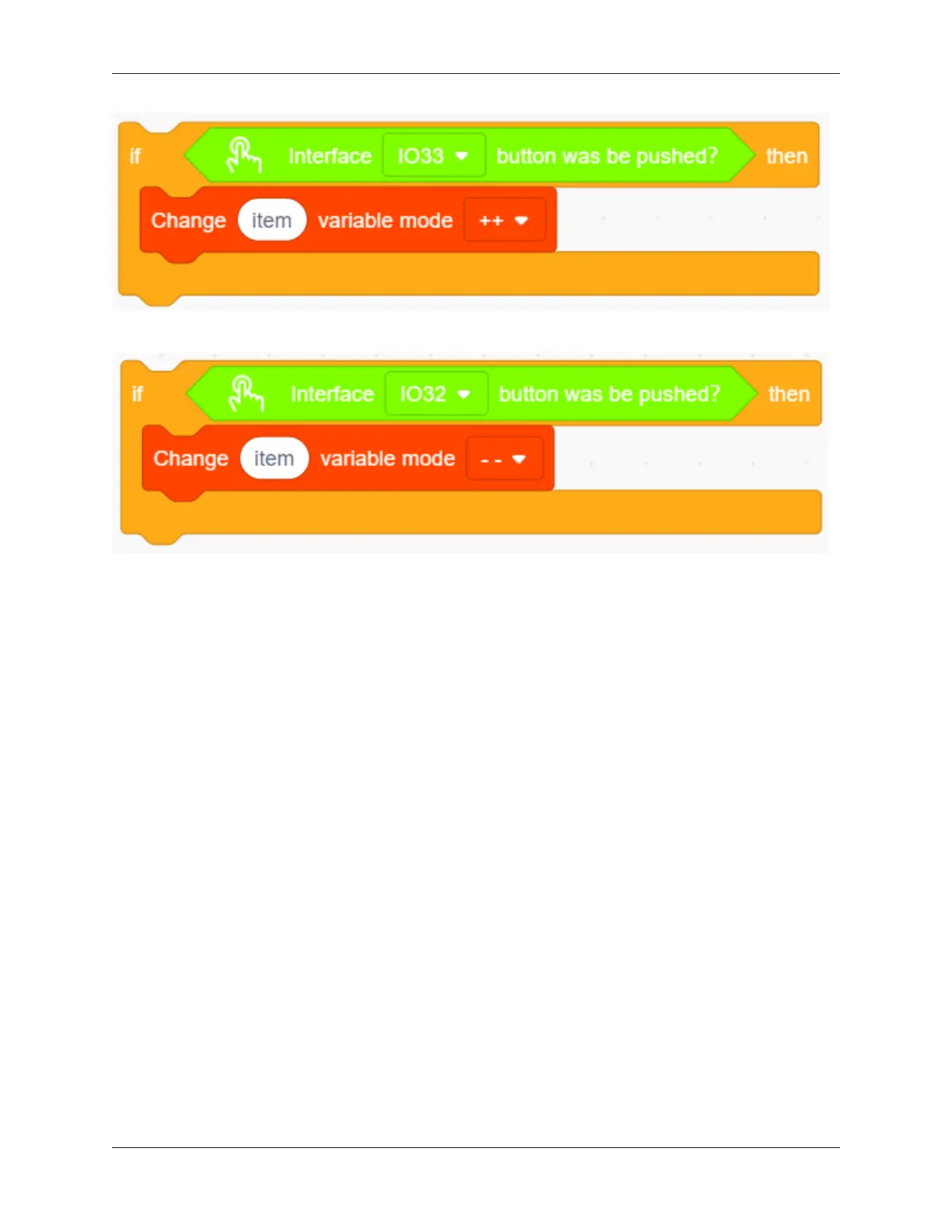
6. Repeat the operation in step 5, but set the interface to IO32 and the mode to “- -”.
7. Drag an “if” block to judge whether pin IO26 is pushed. In this “if”, we add a repeat block and set its condition
to “item” = 0 .
In the “repeat until” loop, put a “variable mode” and set “item” to “- -”, as shown below. Drag a “TM1650 display”
block from “Digital tube” and define the showing string as “variable item” block. Then add a “buzzer output” block
and set output to HIGH at pin IO27 followed by a 0.5s delay. Re-operate the last procedure but set the output to LOW.
252 Chapter 9. Scratch Tutorial



 To Next Page