ENGLISH
Chapter 3: Geng Started
32
DVR User’s Manual
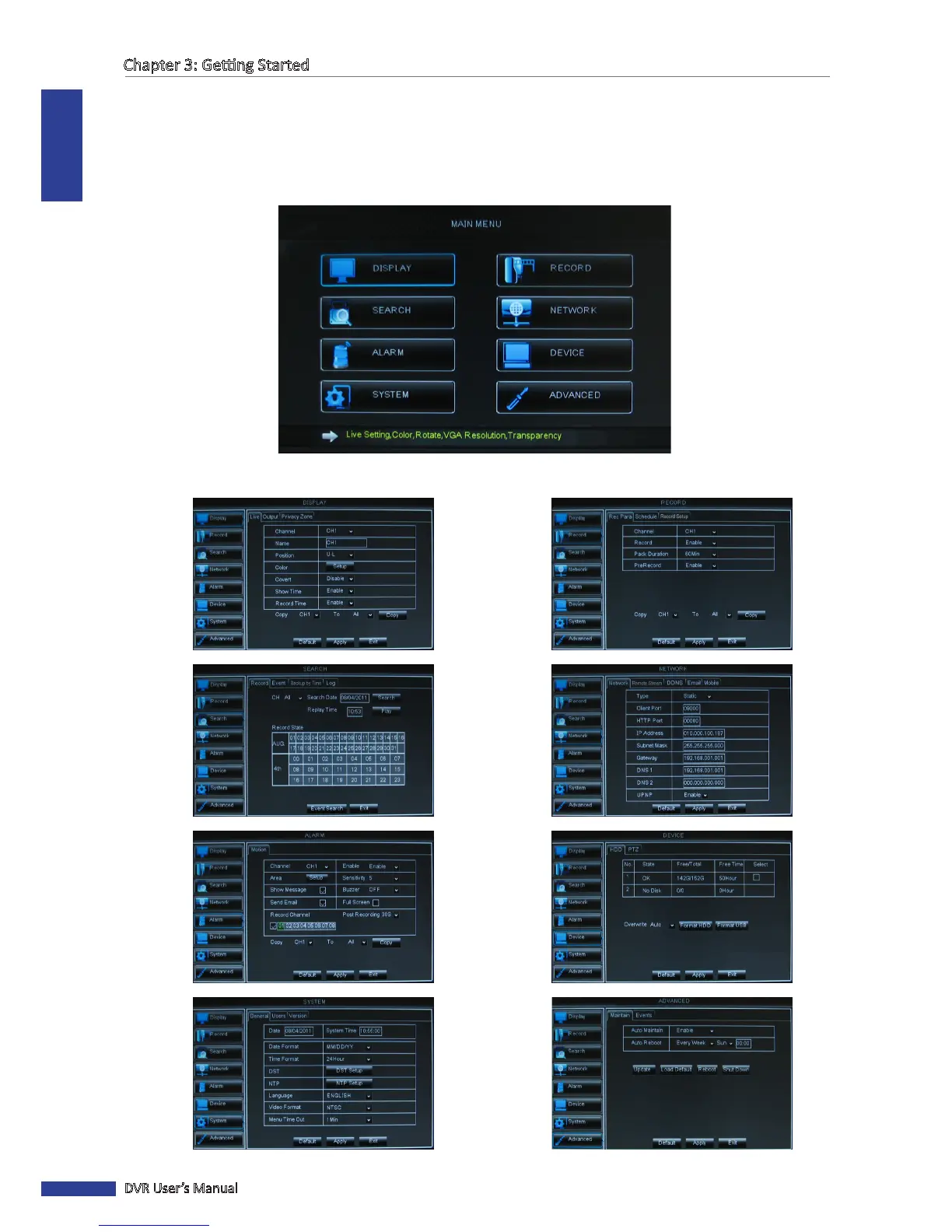
3.3.5 On Screen Display (OSD) menu
You can access the OSD menu by one of the following ways:
• Right-click on the mouse and select Main Menu.
• Press the MENU buon on the remote control, then select Main Menu
• Press the Menu key on the front panel, then select Main Menu.
Submenu items:
DISPLAY RECORD
SEARCH NETWORK
ALARM DEVICE
SYSTEM ADVANCED



 To Next Page