ENGLISH
Chapter 5: KGUARD Web Client
DVR User’s Manual
99
5.5.7 Advanced Sengs
The Advanced menu allows you to set automac system maintenance, load factory defaults, update the rmware
sengs, or reboot and power o the DVR manually.
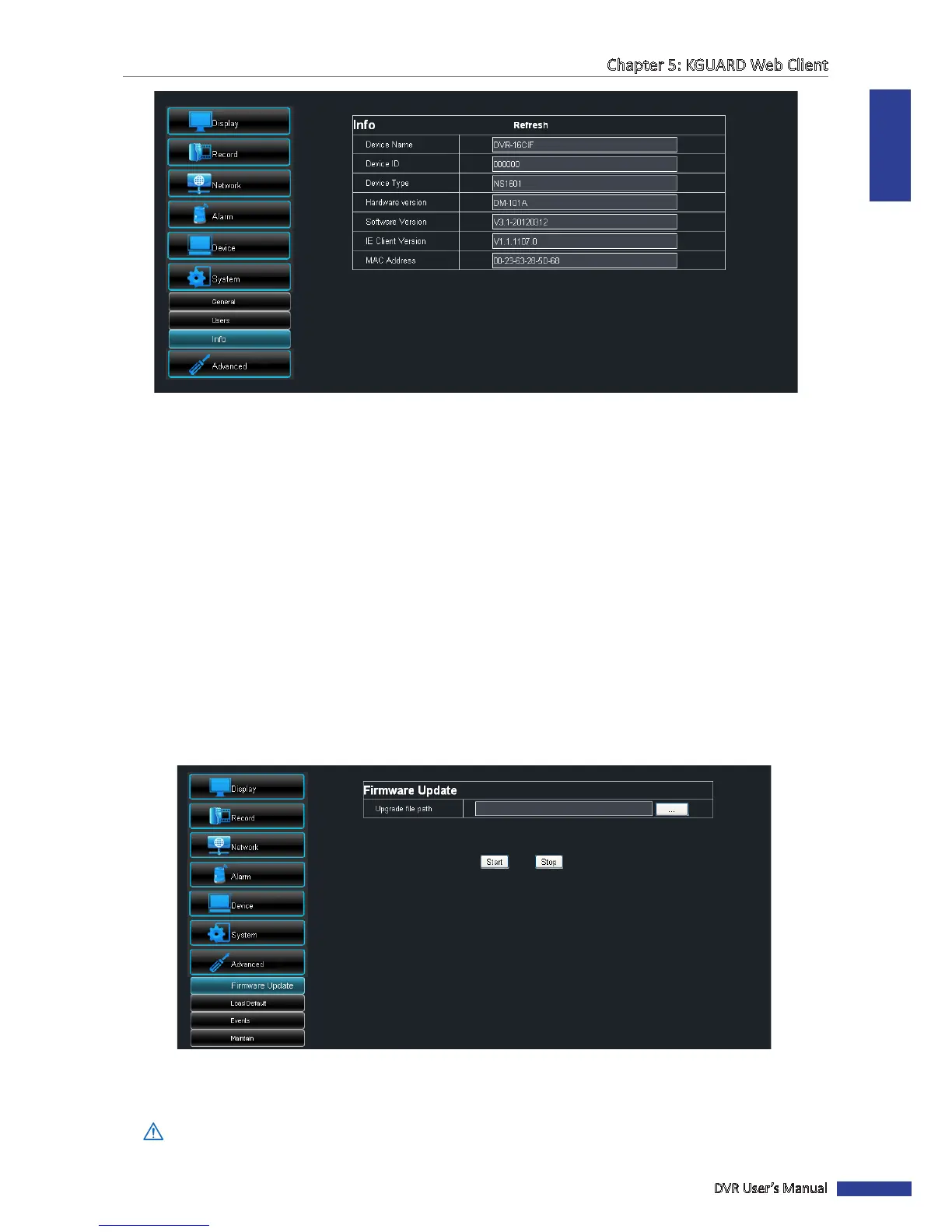
Firmware Update
Use this feature to update the rmware with the latest version.
1 Open a web browser and visit KGUARD Security web site (www.kguardsecurity.com).
2 Check for available updates and download the rmware update le named “dvrupgrade”.
3 Save the “dvrupgrade” le in a USB ash drive.
4 Insert the USB ash drive into a USB port of the DVR.
5 On the Main Menu, click Remote Seng.
6 On the le panel, click Advanced > Firmware Update.
7 Browse for the update le, then click Start.
8 Follow the instrucons on the screen to complete the update.
Warning:
Do not turn o the power or unplug from the power supply while updang.



 To Next Page