ENGLISH
Chapter 4: Using the DVR
50
DVR User’s Manual
10 Click Backup. The Backup Status screen appears.
11 When backup is complete, click OK to close the Backup Status screen.
Note:
Do not remove the USB device while le transferring is in progress.
4.3.4 Viewing and Exporng Log
1 Plug a USB device into the USB port of the DVR.
2 In preview mode, right-click on the mouse to display the Pop-up menu.
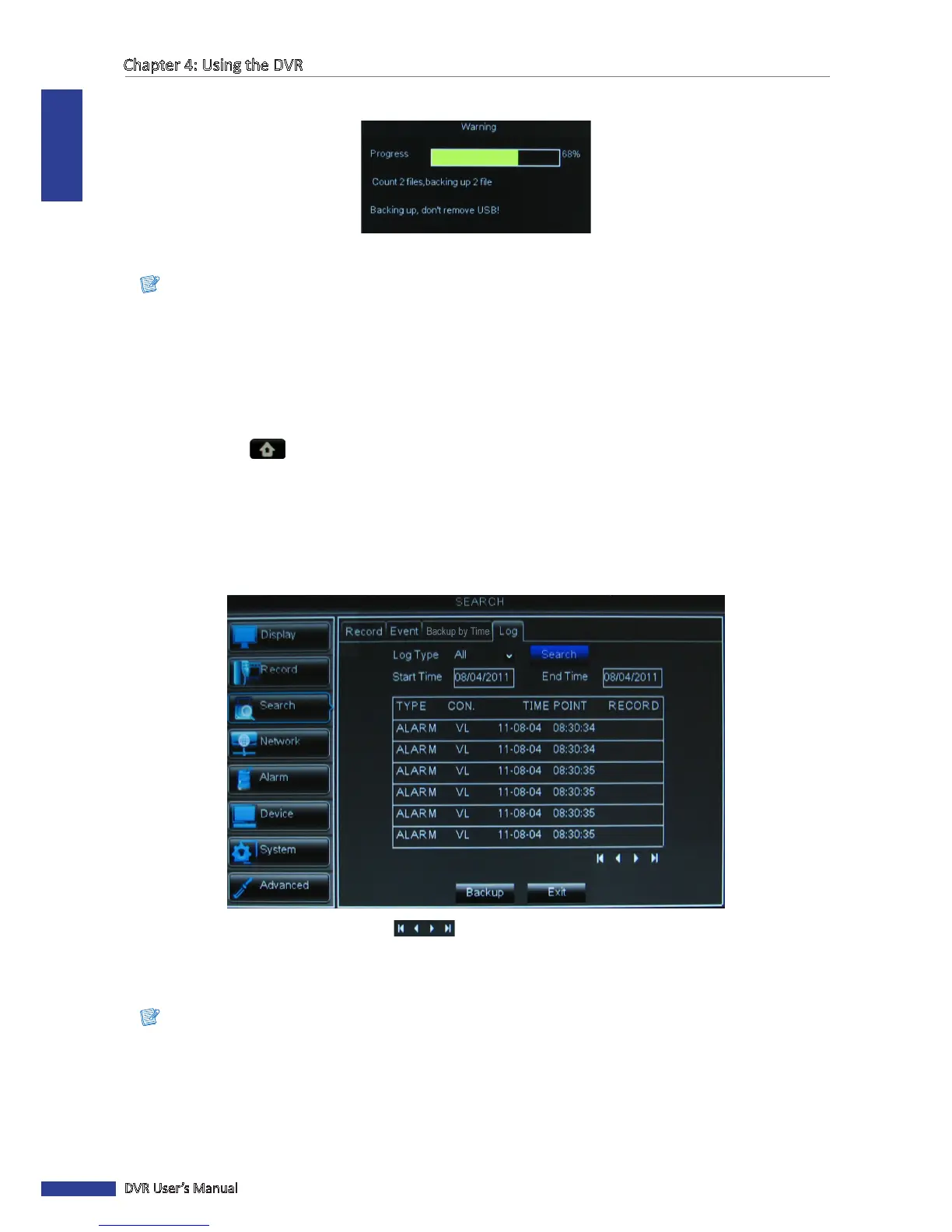
3 Select Main Menu > SEARCH, click the Log tab.
4 To view the log les, click Log.
5 On Log Type, select one of the log types (All/Alarm/Operaon).
6 Specify the Start Time and End Time to lter the list.
7 Click Search. All related log les are displayed on the screen.
8 To browse the list, click the control buons .
9 To save the log informaon, click Backup.
10 When saving is complete, click OK.
Note:
• The log les are saved in “*.TXT” format.
• Do not remove the USB device while le transferring is in progress.



 To Next Page