ENGLISH
Chapter 4: Using the DVR
52
DVR User’s Manual
8 Aer all sengs are complete, click Apply.
9 When data saving is complete, click OK.
Note:
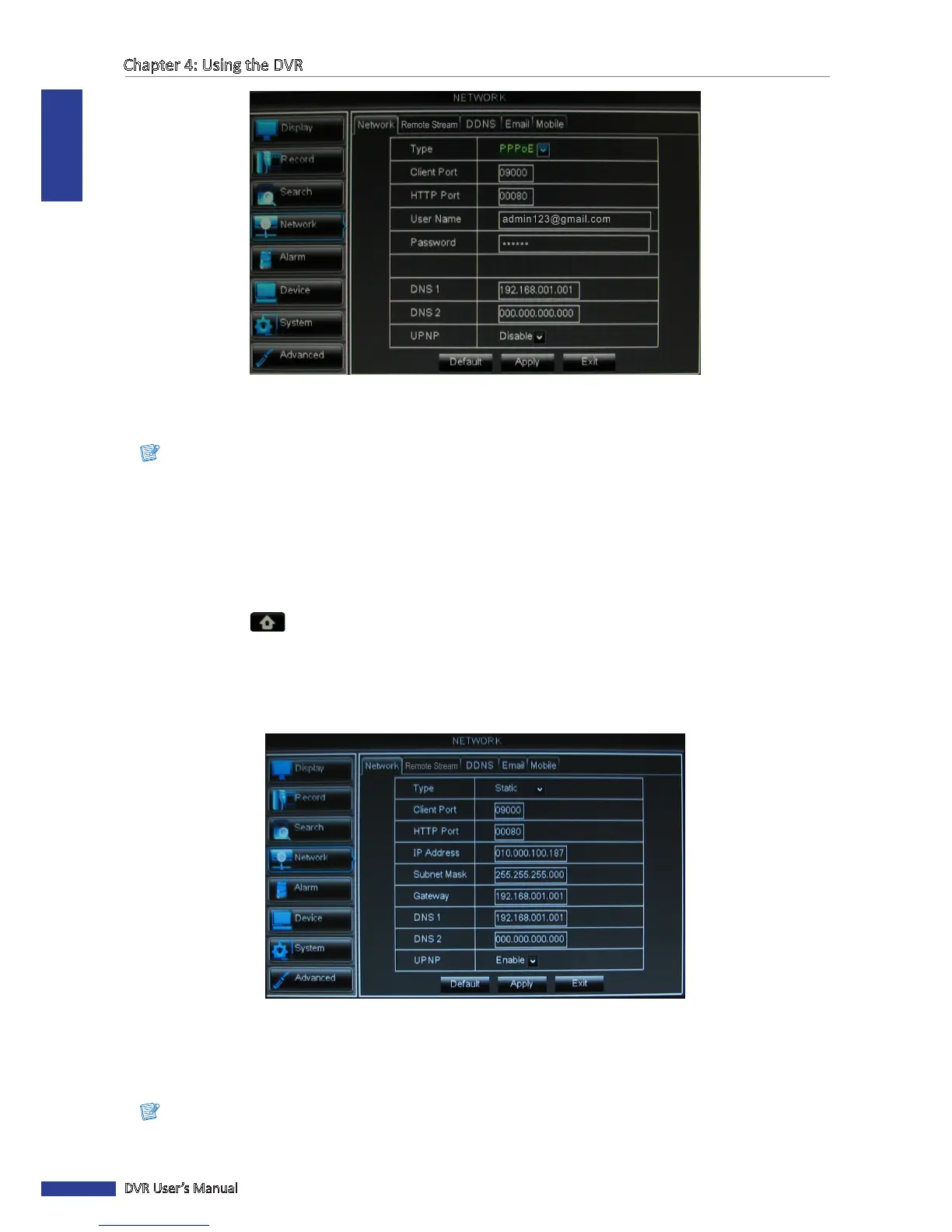
The system supports two DNS server input opons: DNS Server1 for main server and DNS Server2 for sub server.
Please contact your local ISP (Internet Service Provider) to obtain the correct DNS Server parameter.
Stac IP
This opon allows you to congure the network interface using a xed IP address.
1 In preview mode, right-click on the mouse to display the Pop-up menu.
2 Select Main Menu > NETWORK.
3 On Type, select Stac IP.
4 Specify the Client Port and HTTP Port numbers.
5 Specify the stac IP address, Subnet Mask, Gateway, and DNS 1/DNS 2 IP addresses.
6 To enable UPnP feature, select Enable.
7 Aer all sengs are complete, click Apply.
8 When data saving is complete, click OK.
Note:
If you have any quesons on internet sengs, contact your local ISP (Internet Service Provider).



 To Next Page