ENGLISH
Chapter 4: Using the DVR
DVR User’s Manual
45
7 Aer all sengs are complete, click Apply.
« TIP »
• To copy the current sengs to other days, select the day, then click Copy.
• To copy the current sengs to other channels, select the channel, then click Copy.
8 When data saving is complete, click OK.
4.2.3 Record Setup
1 In preview mode, right-click on the mouse to display the Pop-up menu.
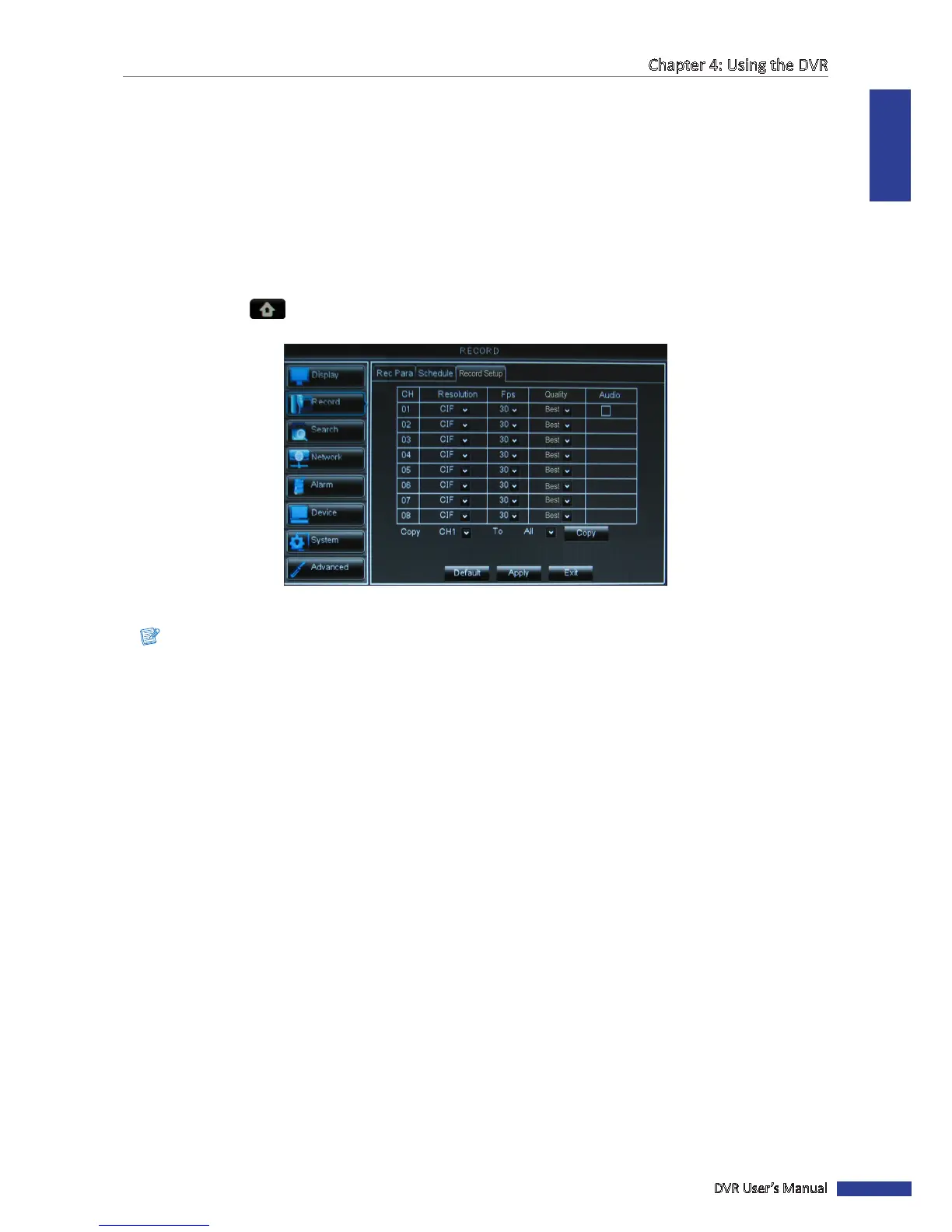
2 Select Main Menu > RECORD, then select the Record Setup tab. The Framerate sengs are displayed on a
table.
3 Select the channel and adjust the corresponding sengs such as Resoluon, FPS, and Quality.
Note:
If the frame rate set is over the system limitaon, a message is displayed on the screen.
4 Check the Audio box to enable audio.
5 Aer all sengs are complete, click Apply.
6 When data saving is complete, click OK.
« TIP »
To copy the record setup seng to other channels, select the channel(s) in Copy To, then click Copy.



 To Next Page