Detailed Editing with Programs Basic oscillator settings
33
Oscillator image setting
Youcanspecifytheprogramoscillatorimagethat’s
shownintheP0:Play–Mainpage.Adjustthissetting
inProgP1:Basic/Controllers–ProgramBasicOscillator
Mode“OSCPicture1”and“2.”
1. Pressthe“OSCPicture1”or“2”popupbutton(>)
ortheimageiconshownatright;thedialogbox
willappear.
2. Toselectanimage,pressanimageinthelistinthe
lowerpartofthescreen,orattheleftorrigh
tinthe
upperpart.
3. PresstheOKbuttontoconfirmyourchoice.
Polyphonic/monophonic playing
TheVoiceAssignModeselectswhethertheProgram
willplaypolyphonically(Poly)ormonophonically
(Mono).
WhenthisissettoPoly,youcanplaybothchordsand
melodylines.WhenthisissettoMono,onlyonenote
willsoundevenifyouplayachord.
Normallyyou’llsetthistoPoly,butMonoisuseful
whenplayingsoundssuchassynthbasses,synth
leads,andothersoloinstruments.
Tryswitchingbetween PolyandMono,andlistento
theresults.
Working with Multisamples
What is a multisample?
Asampleisadigitalrecordingofaparticular
instrumentorwaveform(orothernaturalorartificially
processedsound)recordedataspecificpitch.A
multisampleisacollectionofsimilarlyvoicedsamples,
usedtocreatethesametypeofsound‐piano,bass,
guitar,strings,organ‐acrosstheentirekeyboard,as
thebasisofapr
ogram.Theoscillatorsofsingleand
doubleprogramsusemultisample
s.Thereare583
multisamplesavailableinthisinstrument.
Youcanassignuptofourmultisamplestoeach
oscillatorandswitchbetweenthembyvelocity.
Multisamples and Drum Kits
MultisamplesandDrumKitsallowyoutoplay
samplesindifferentways.
•Multisampleslayoutoneormoresamplesacross
thekeyboard.Ifweusetheexampleofasimple
guitarmultisample,onesamplecouldbeassigned
foreachstring,sothatthemultisamplewould
consistofsixsamples.
•Asthenamesuggests,DrumKitsareoptimizedfor
playingdrumsamples.
Velocity splits, crossfades, and layers
Eachoscillatorprovideseightvelocityzones.Thislets
youswitchbetweenmultisamplesordrumsamples
accordingtothevelocity(speed)atwhichyouplaya
key.
Byspecifyingthethreshold(boundaryvalue)where
eachzonewillrespond,andtheamountofcrossfading
(theoverlapbetweenzones),youcanspecifyhowyour
keyboardplayingdynamicswillswitchorlayerthe
multisamplesordrumsamp
les.Youcanusethisto
makethefollowingtypesofsetups.
•Velocitysplits,wheremultisamples(or
drumsamples)arecleanlyswitchedatthethreshold
•Velocitycrossfades,wheremultisamples(or
drumsamples)aresmoothlycrossfadedovera
specifiedrangeoutsidethethreshold
•Velocitylayers,wheretwomultisamples(or
drumsamples)arelayeredwhenyouplaya
specifiedrangeoutsidethethreshold
Note: If“OscillatorMode”issettoDrumsorDouble
Drums,thevelocitysettingspre‐specifiedforthedrum
kitwillbeused,andthereforewillnotbeshowninthe
screen.Thevelocityzonesettingsofadrumkitcanbe
editedinGlobalP5:DrumKit(seepage 105).Youcan
jumpautomaticallyto
GlobalP5bypressingtheJump
toDrumKitEditbuttonshownonthescreen.
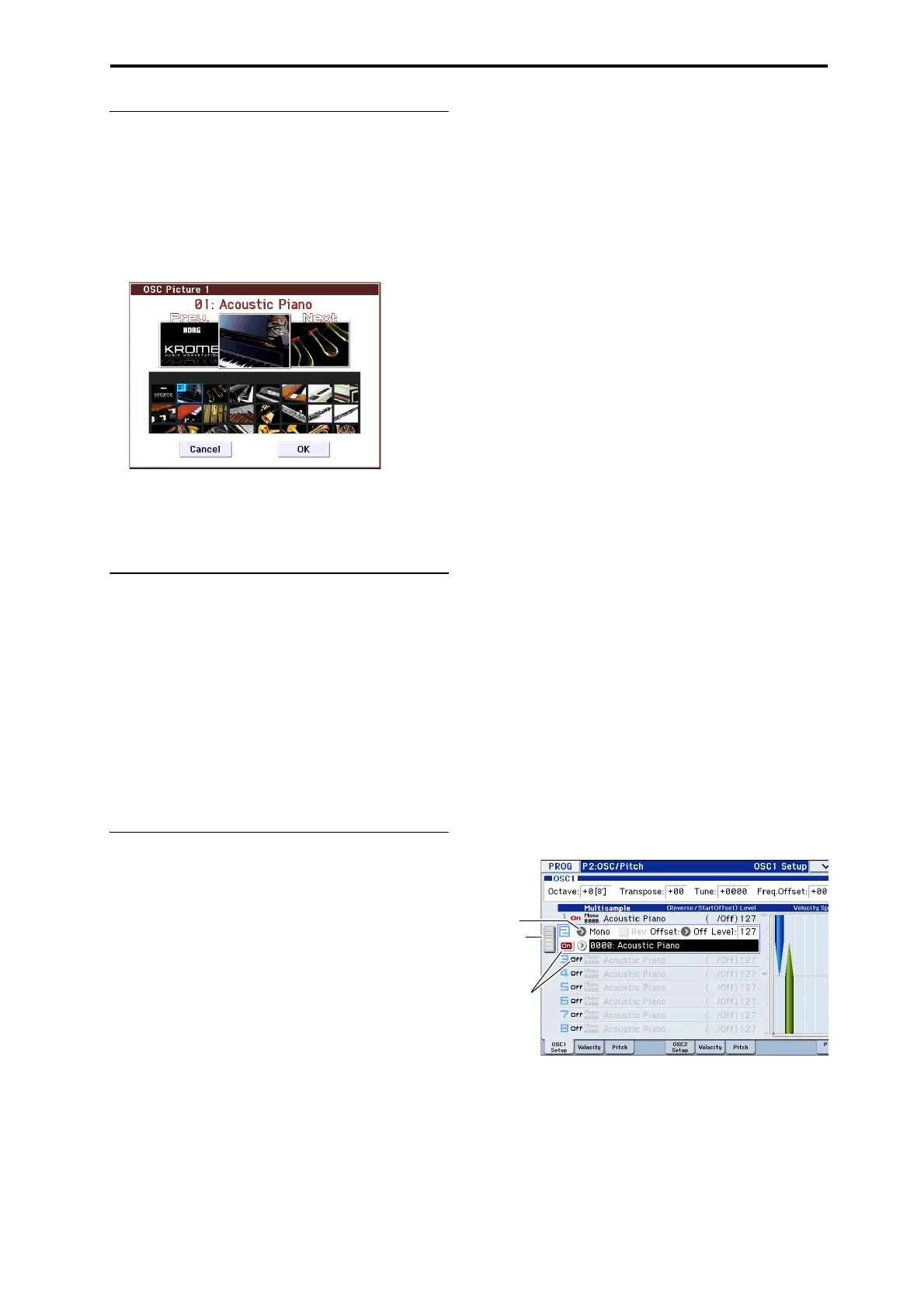
Selecting Multisamples
Let’screateasimplevelocitycrossfadebetweentwo
Multisamples,usingjustOSC1.
1. AccesstheProgP2:OSC/Pitch–OSC1Setuppage.
2. SettheMultisampleOn/Offformultisample1and
multisample2toOn.
SettheMultisampleOn/Offformultisample3and
multisample4toOff.
Bydraggingtheslidertotheleft,youcanselecteach
multisampleandviewitssettings.
3. SelectStereoastheMultisampleBankfor
multisample1andmultisample2.
TherearetwomaintypesofMultisampleBanks:
Mono,andStereo.No
tethatstereoMultisampleswill
requiretwiceasmanyvoicesasmonoMultisamples.
Multisamplesareorganizedbycategorysuchaspiano,
guitar,bell,etc.
Bank
Multi-
sample
On/Off
Slider



 To Next Page