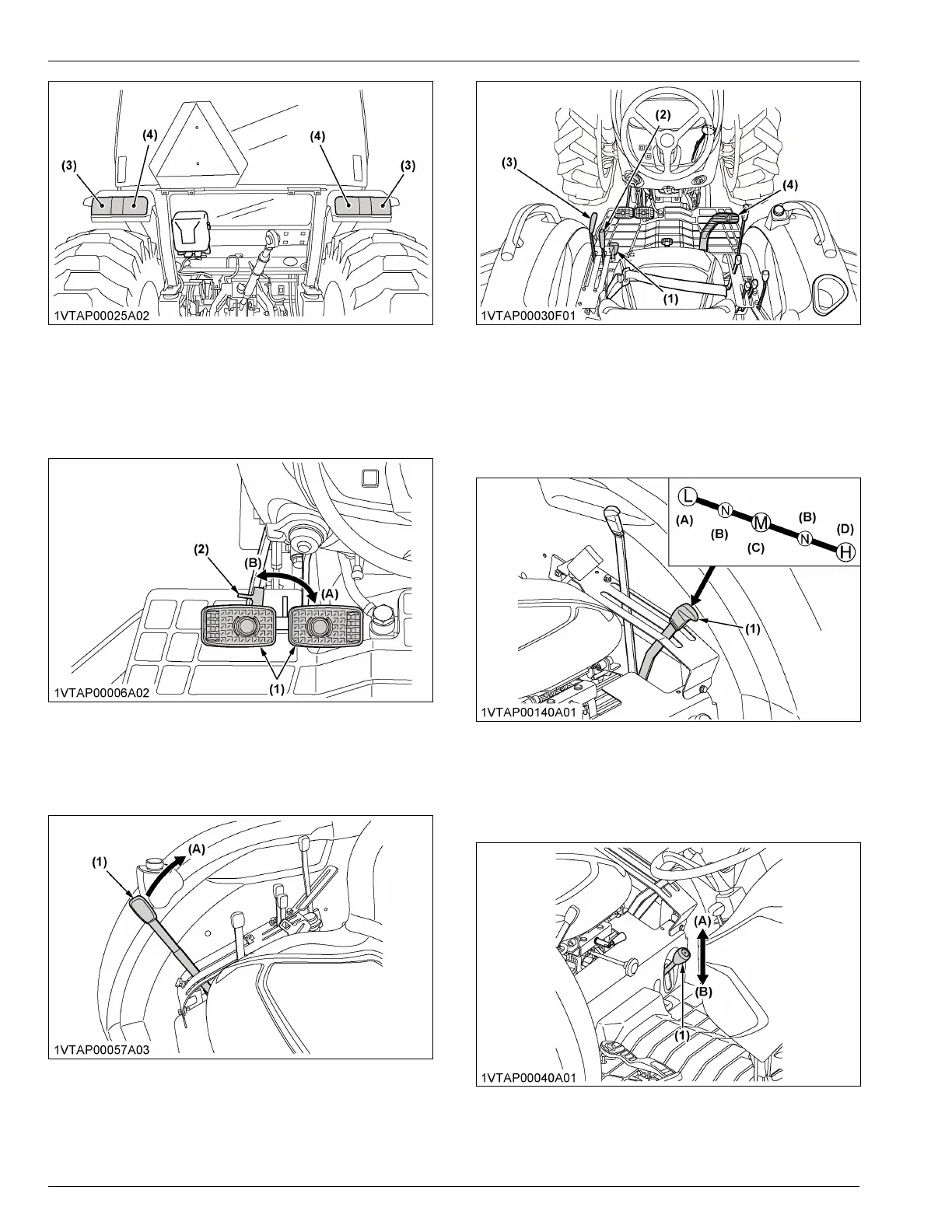
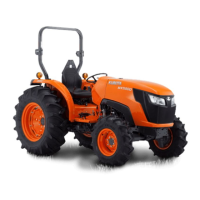
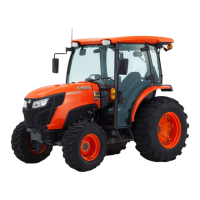
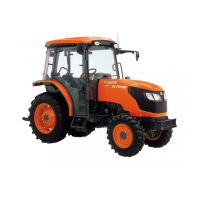
(1) Head light
(2) Turn signal / hazard light
(3) Rear turn signal / hazard
light
(4) Tail light
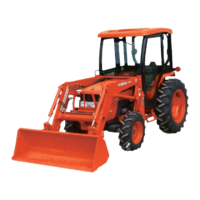
4. Check the brake pedal.
(See Brake pedals (right and left) on page 42)
(1) Brake pedal
(2) Brake pedal lock
(A) Lock
(B) Release
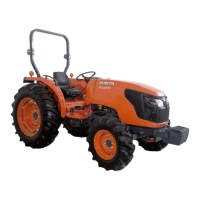
5. Raise the implement.
(See Position control of 3-point hitch mounted
implement on page 91)
(1) Position control lever
(A) Up
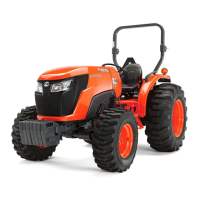
6. Select the travel speed.
(1) Front wheel drive lever
(2) Range gear shift lever
(3) Cruise control lever
(4) Speed control pedal
• Set the gear by engaging the range-gear-shift-
lever.
(See Range gear shift lever (L-M-H) [HST type]
on page 46)
(1) Range gear shift lever (L-M-
H)
(A) Low
(B) Neutral position
(C) Middle
(D) High
• Engage the front-wheel-drive.
(See Front wheel drive lever on page 44)
(1) Front wheel drive lever
(A) On
(B) Off
OPERATING THE TRACTOR



 To Next Page