Flowmaster User’s and Service Manual | LBL-000990 [B] 37
Enter patient info
This function is for the uroflow procedure in which the database program is not
used (see § 3.3).
When this setting is not checked (disabled), then the
patient uroflows will be saved with date and time only.
You may lose the link between patient and uroflow
without proper administration.
Check this box to enter patient information immediately after the investigation
is finished. Un-check this box to add patient information while importing the
uroflow investigation from the database program. Be careful changing this
setting. Importing uroflow investigations is described in § 5.3.5.
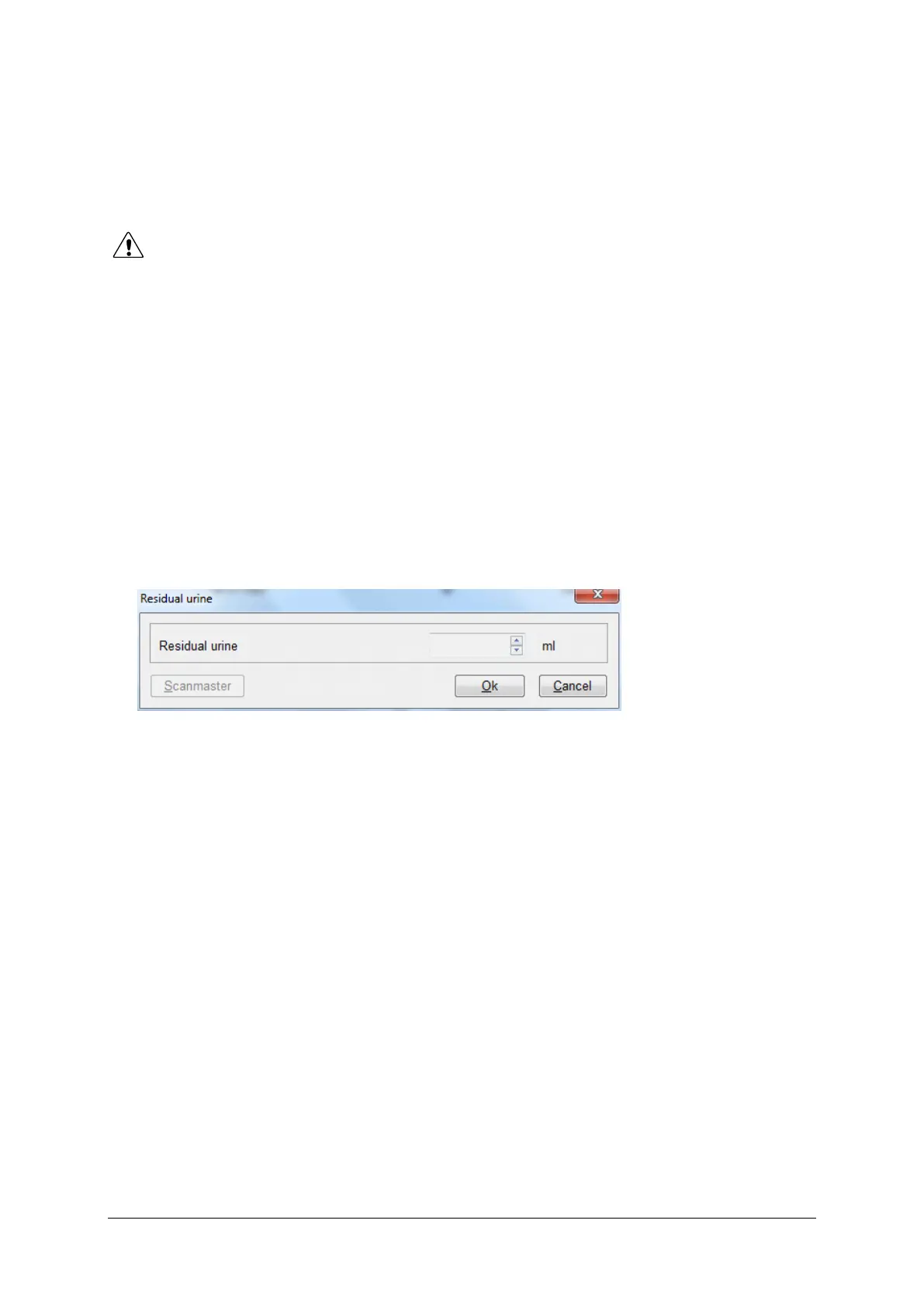
Enter residual urine
Check this box to enter residual urine immediately after the uroflow.
Figure 5.4 Residual urine
ICD-10 codes (USA)
Check this box to include ICD-10 codes (applicable for USA) in the comment
section of the report.
Nomogram
Select the nomogram which will be selected and printed in the uroflow report
(default: Siroky nomogram for male patients). You can select: No nomogram,
Automatic selection, Liverpool nomogram, Miskolc nomogram and Siroky
nomogram. In the print preview mode, you can always select another
nomogram manually.
Print orientation
Default the print orientation is landscape. You can also print the investigation
report in portrait orientation.



 To Next Page