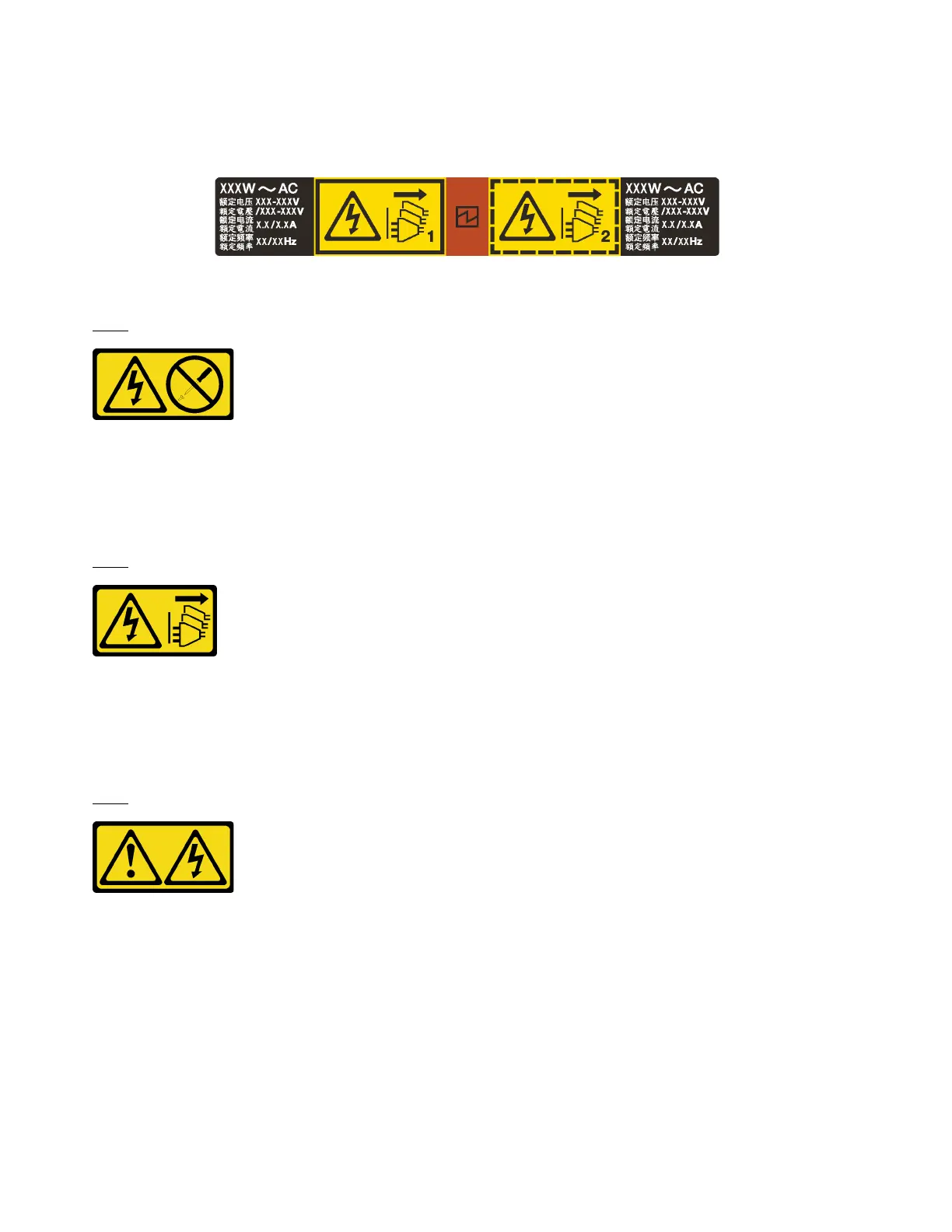
• If you are replacing the existing power supply with a new power supply of different wattsage, attach the
power rating label that comes with this option onto the existing label on the top cover near the power
supply.
Figure 165. Hot-swap power supply label on the cover
S035
CAUTION:
Never remove the cover on a power supply or any part that has this label attached. Hazardous voltage,
current, and energy levels are present inside any component that has this label attached. There are no
serviceable parts inside these components. If you suspect a problem with one of these parts, contact
a service technician.
S002
CAUTION:
The power-control button on the device and the power switch on the power supply do not turn off the
electrical current supplied to the device. The device also might have more than one power cord. To
remove all electrical current from the device, ensure that all power cords are disconnected from the
power source.
S001
180 ThinkSystem SR635 Maintenance Manual






 To Next Page