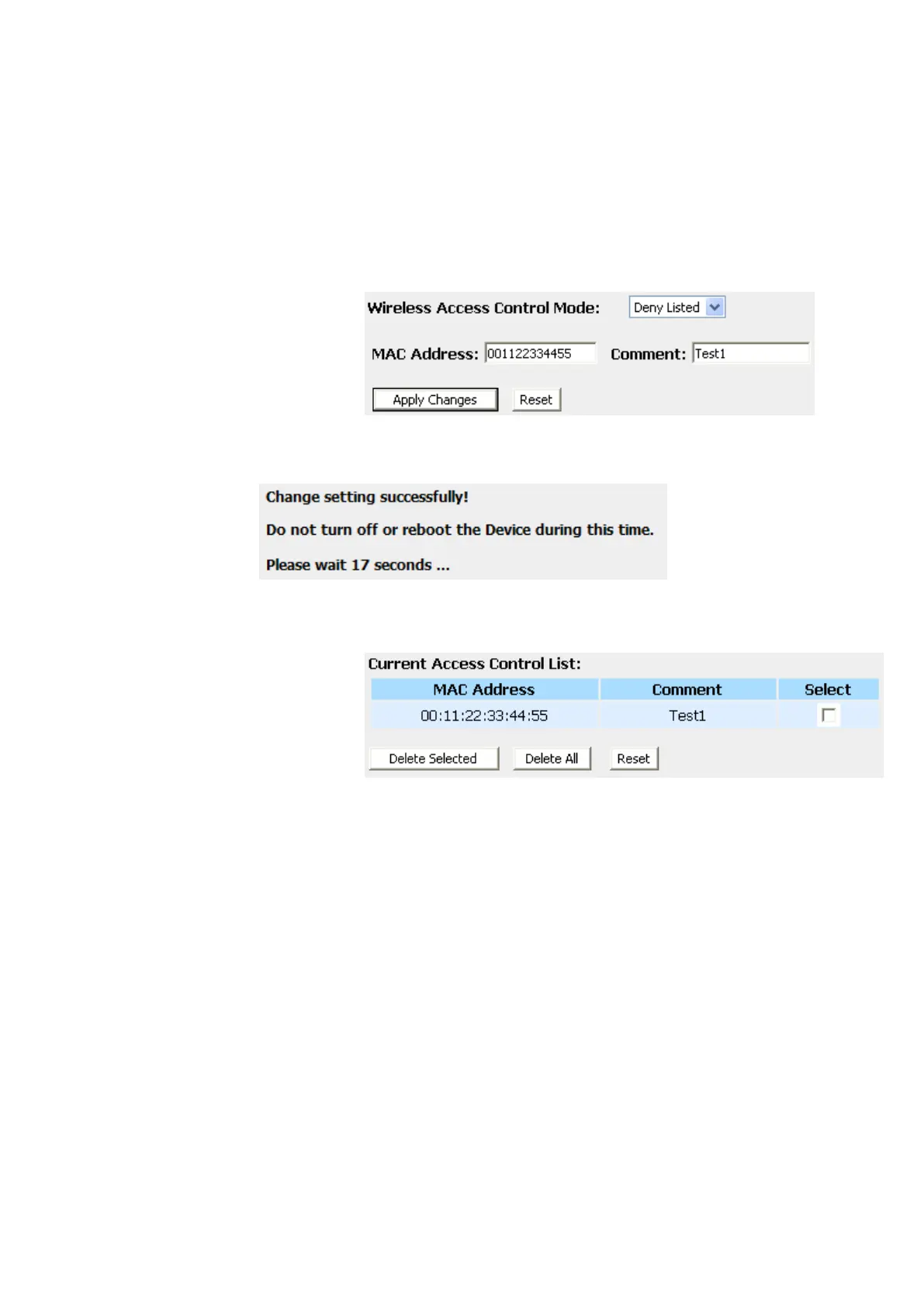
Deny Listed
When 'Deny Listed' is selected, these wireless clients on the list
will not be able to connect the Access Point.
1. From the Wireless Access Control Mode drop-down list,
select Deny Listed setting.
2. Enter the MAC Address.
3. Enter the Comment.
4. Click Save & Apply button.
5. Change setting successfully! Do not turn off or reboot the
Device during this time. Please wait 20 seconds ...
6. The MAC Address that you created has been added in the
Current Access Control List.















 To Next Page