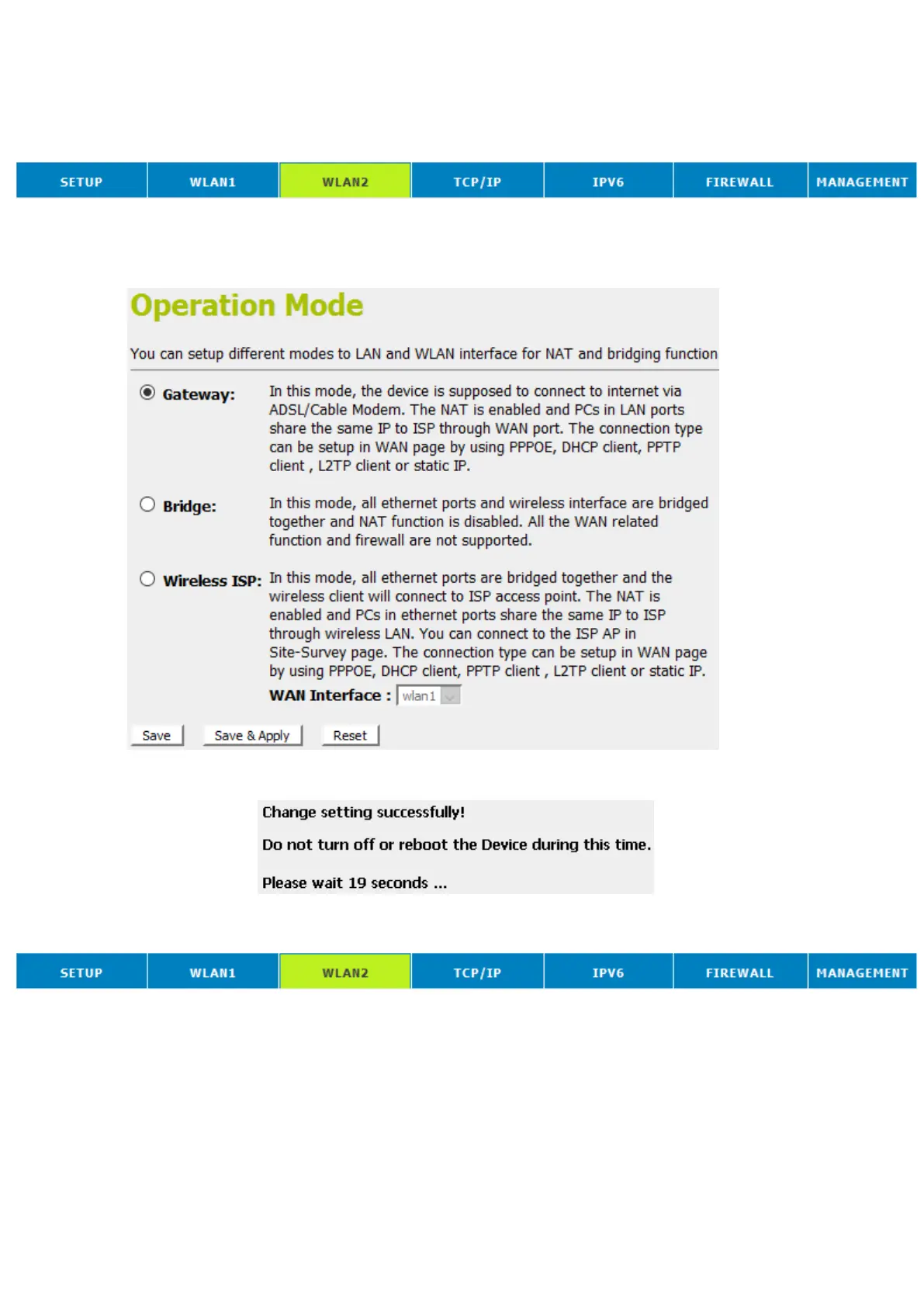
Configure Wireless ISP + Wireless client + Site Survey
1. From the head menu, click on SETUP.
2. From the left-hand Operation Mode menu, click on Wireless
ISP Settings.
3. Config WAN Interface.
4. Click Save & Apply button.
5. Change setting successfully! Please wait 20 seconds….
6. From the head menu, click on WAN2.
7. From the left-hand menu, click on Basic Settings.















 To Next Page