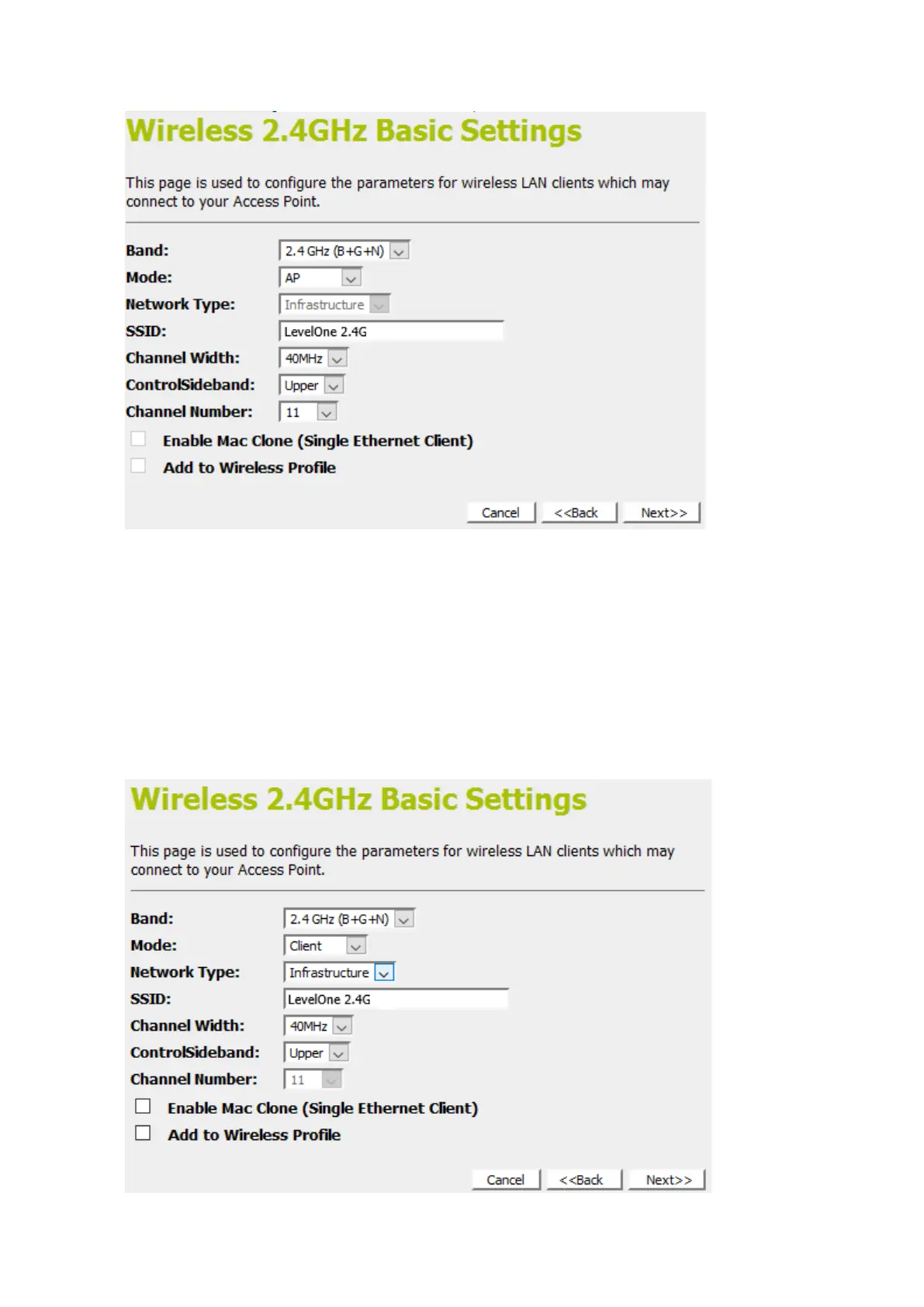
Client
This page is used to configure the parameters for wireless LAN
clients which may connect to your Access Point.
1. From the Band drop-down list, select a Band.
2. From the Mode drop-down list, select Client setting.
3. From the Network Type drop-down list, select a Type.
4. Enter SSID for example AP_2.4G.
5. Click Next>>.















 To Next Page