LED meanings & activations
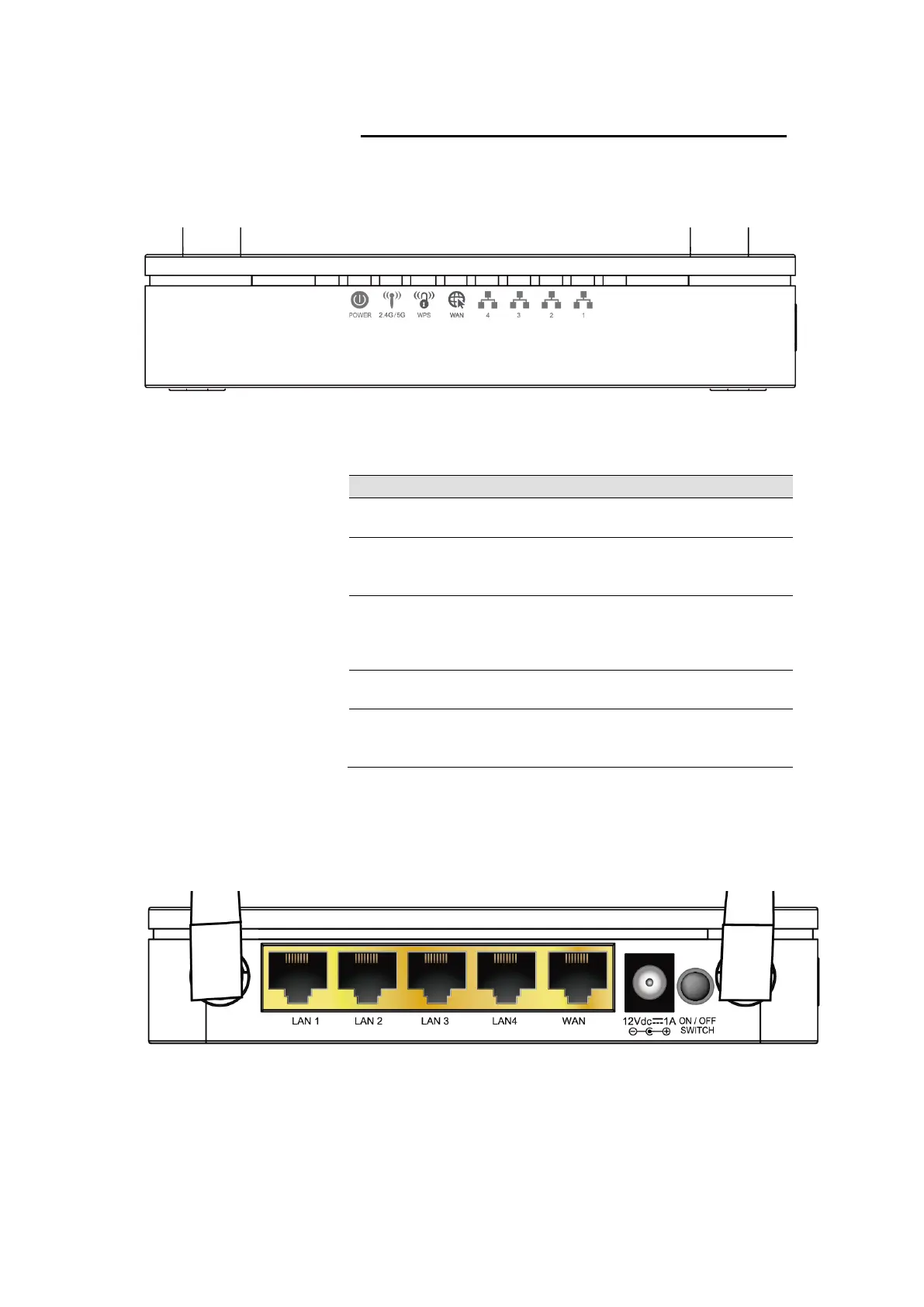
Front Panel
The front panel contains lights called Light Emitting Diodes
(LEDs) that indicate the status of the unit.
* Actual Front Panel and ANTENNA may vary depending on model.
Figure 1: Front Panel and LEDs
On: device is powered on
Off: device is powered off
On: WAN link established and active
Off: No LAN link
Blink: Valid Ethernet packet being transferred
On: WLAN link established and active
Blink: Valid Wireless packet being transferred
Off: WPS link isn’t established and active
Blink: Valid WPS packet being transferred
On: LAN link established and active
Off: No LAN link
Blink: Valid Ethernet packet being transferred
Rear and Right Panel and bottom Side
The rear and right panel and bottom side contains a Restore
Defaults button, the ports for the unit's data and power
connections.
* Actual Rear Panel and ANTENNA may vary depending on model.
Figure 2: Rear Panel Connections















 To Next Page