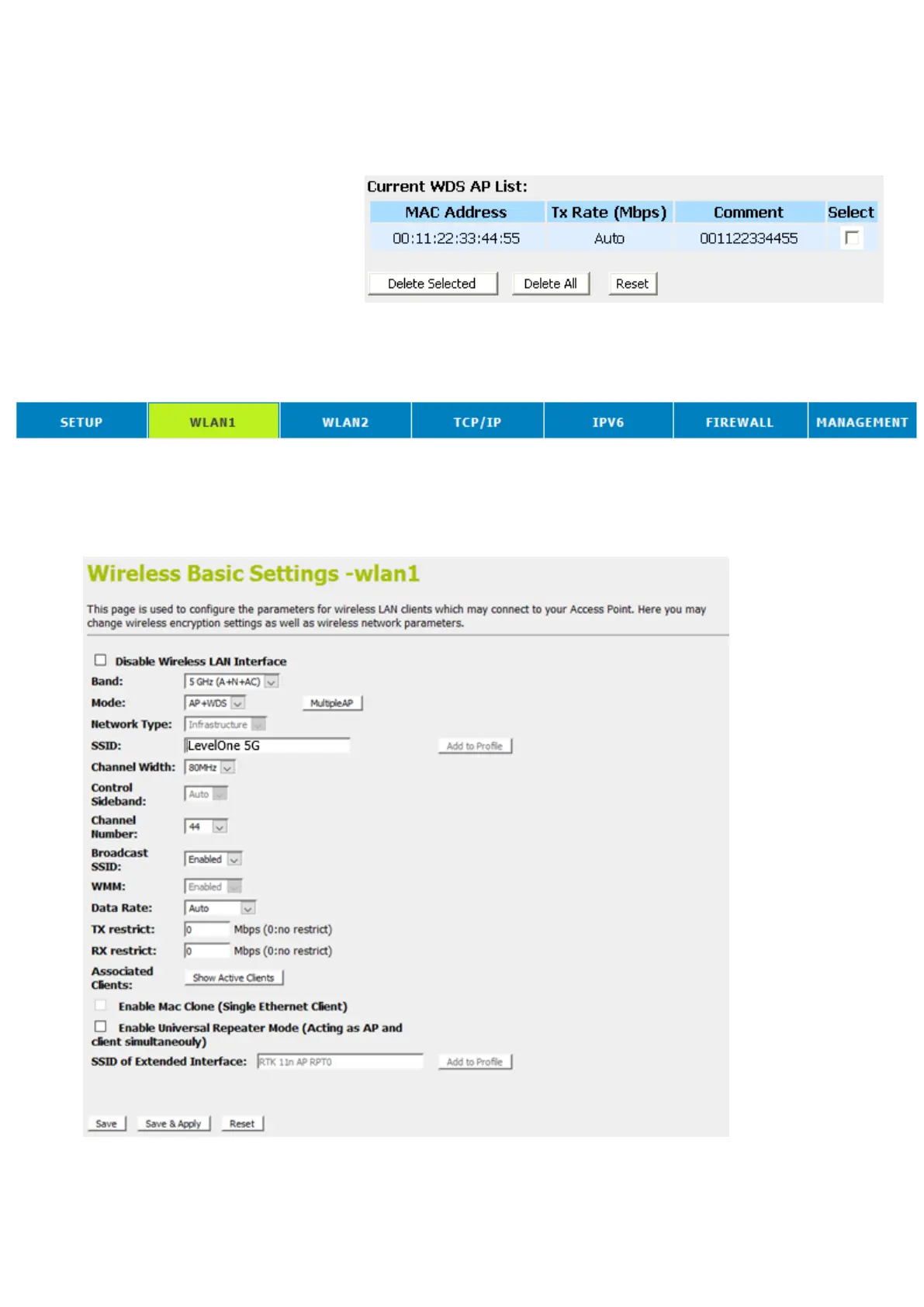
23. From the left-hand menu, click on WDS settings.
24. The MAC Address that you created has been added in the
Current Access Control List.
Configure AP (Access Point) + WDS (Wireless Distribution
System)
1. From the head menu, click on Wlan1.
2. From the left-hand menu, click on Basic Settings.
3. From the Mode drop-down list, select AP+WDS.
4. Enter SSID for example AP_5G_A81261.
5. From the Channel Number drop-down list, select a Channel.
6. Click Save & Apply button.















 To Next Page