9 Operation Mode
This chapter describes how to configure the way that your
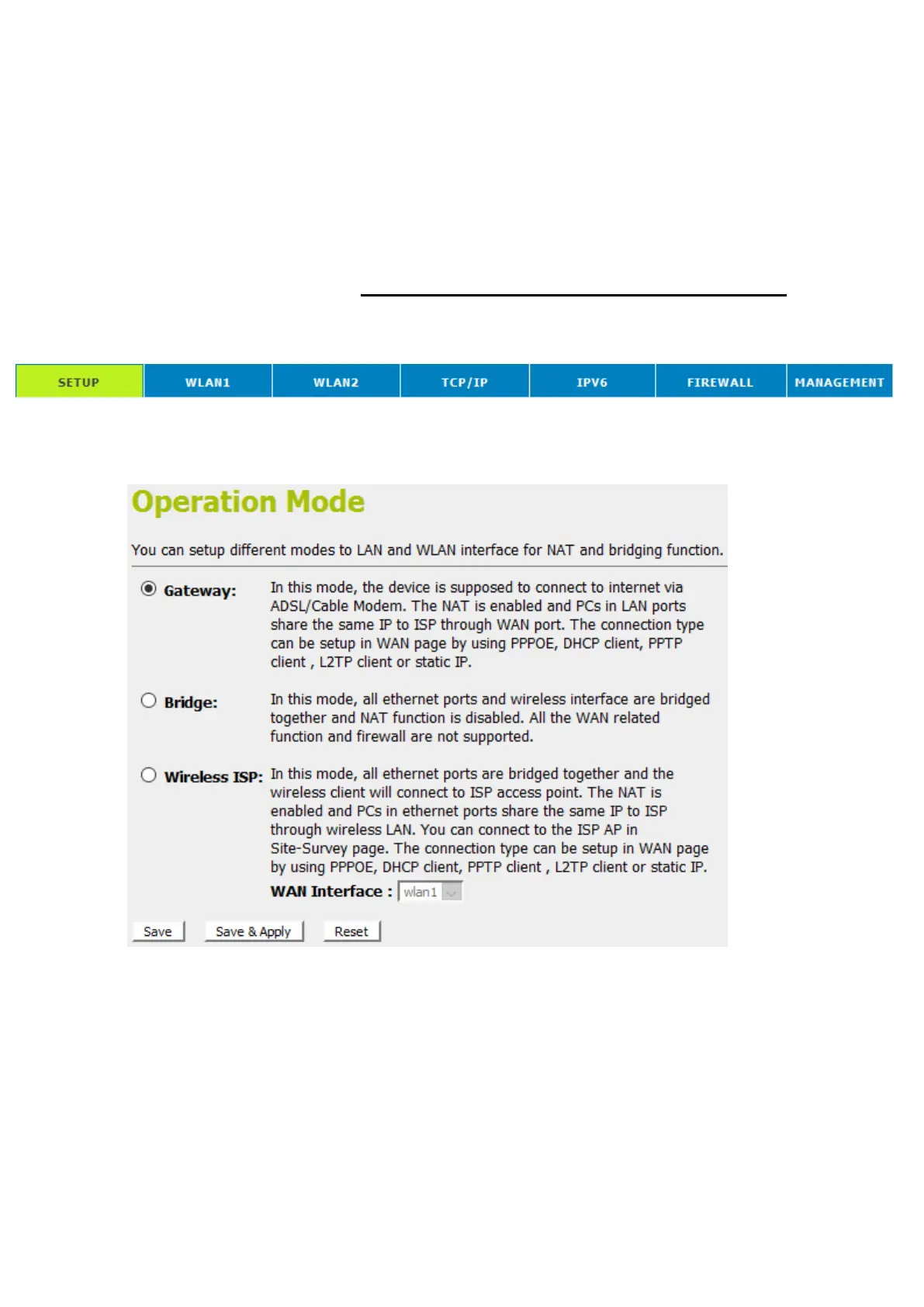
device connects to the Internet. There are Three options of
Operation Mode: Gateway, Bridge and Wireless ISP.
Setting Operation Mode
To change the Operation Mode:
1. From the head menu, click on SETUP.
2. From the left-hand Operation Mode menu. The following
page is displayed:
3. Click on the ratio of Gateway, Bridge or Wireless ISP and
then click on Save & Apply to active it.















 To Next Page