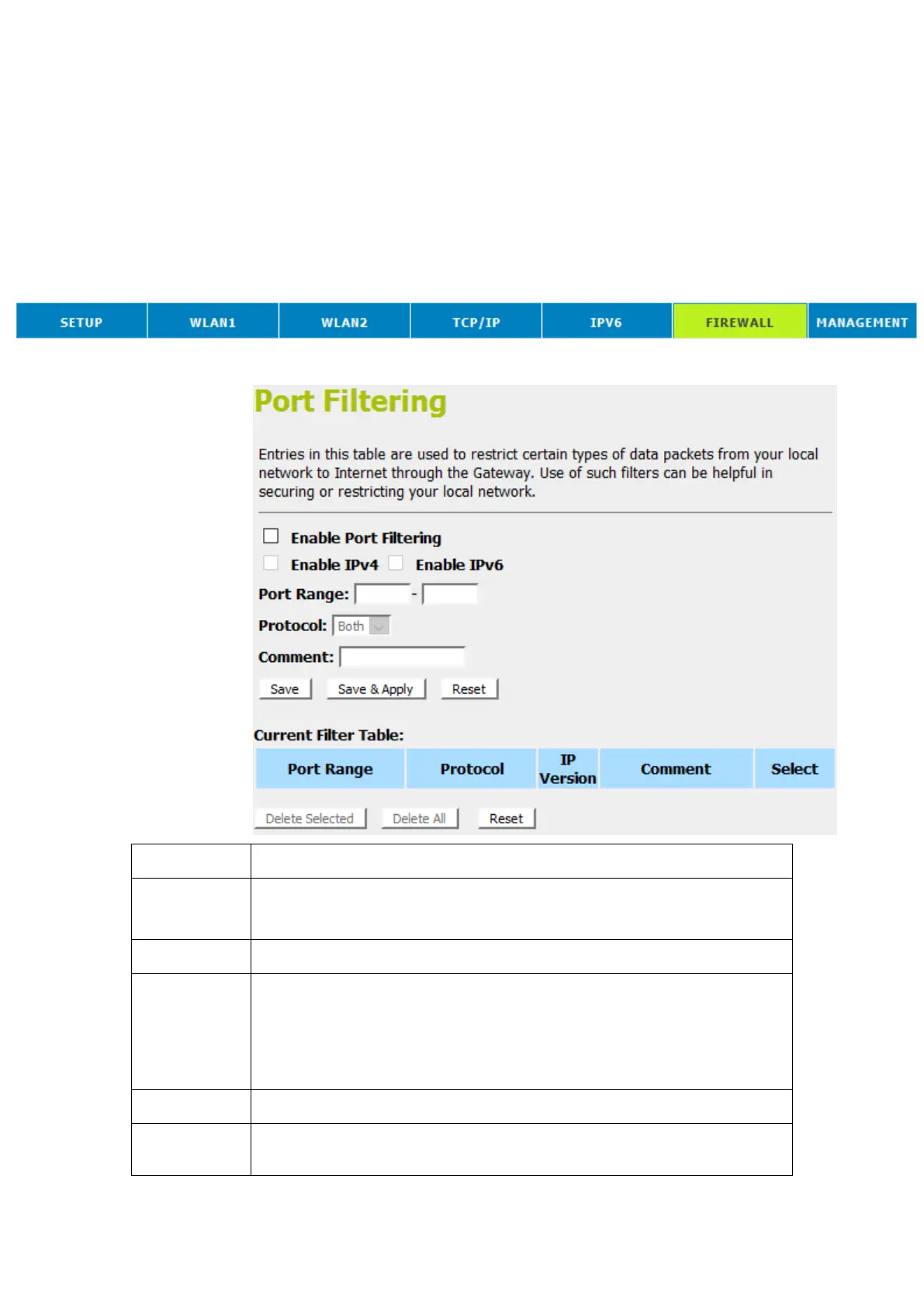
15 Port Filtering
Entries in Current Filter Table are used to restrict certain ports
and types of data packets from your local network to Internet
through the Gateway. Use of such filters can be helpful in
securing or restricting your local network.
1. From the head menu, click on Firewall.
2. From the left-hand menu, click on Port Filtering. The
following page is displayed:
Enable/Disable the WAN packet filter.
Default setting is Disable.
Enter the port range to be filtered for both Outbound and Inbound packet
Select the Protocol to be filtered for both Outbound and Inbound packet
Both: To filter both TCP and UDP protocol
TCP: To filter only TCP protocol
UDP: filter only UDP protocol
Fill in the note for manager what the purpose of certain port filtering rule
The Port Filters that was created is listed here















 To Next Page