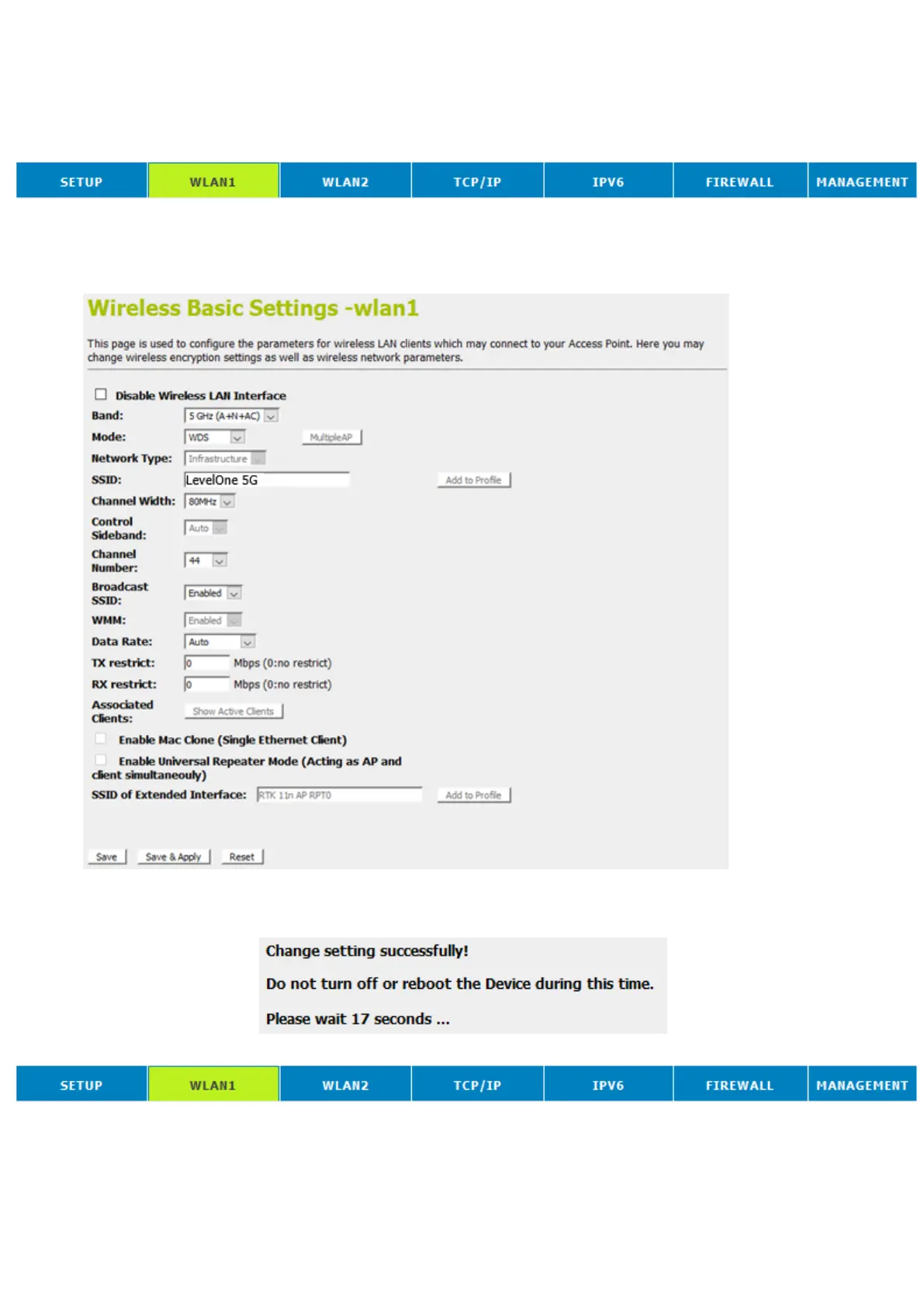
Configure WDS (Wireless Distribution System) only
1. From the head menu, click on Wlan1.
2. From the left-hand menu, click on Basic Settings.
3. From the Mode drop-down list, select WDS.
4. From the Channel Number drop-down list, select a Channel.
5. Click Save & Apply button.
6. Change setting successfully! Do not turn off or reboot the
Device during this time. Please wait 20 seconds ...
7. From the head menu, click on Wlan1.















 To Next Page