32 Save/Reload Settings
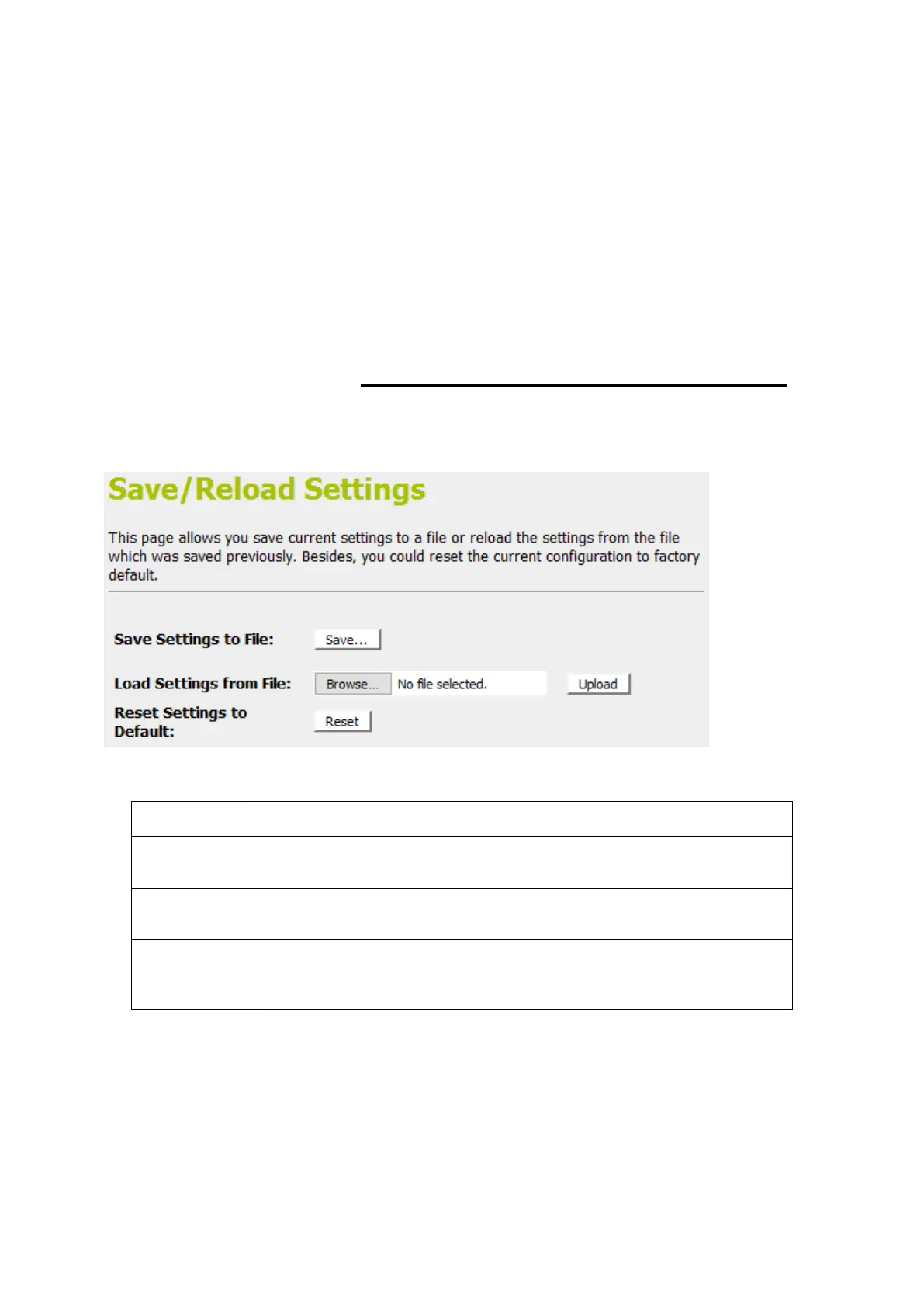
This page allows you save current settings to a file or reload the
settings from the file which was saved previously.
Besides, you could reset the current configuration to factory
default.
If you do make changes to the default configuration but then
wish to revert back to the original factory configuration, you can
do so by resetting the device to factory defaults.
Save Settings to File
It allows you save current settings to a file.
1. From the left-hand Management menu, click on Reset
factory default. The following page is displayed:
Figure 11: Reset to Defaults page
Save the Settings to a File
Load Settings from a File
Reset
Settings to
Default
Reset Settings to Factory Default















 To Next Page