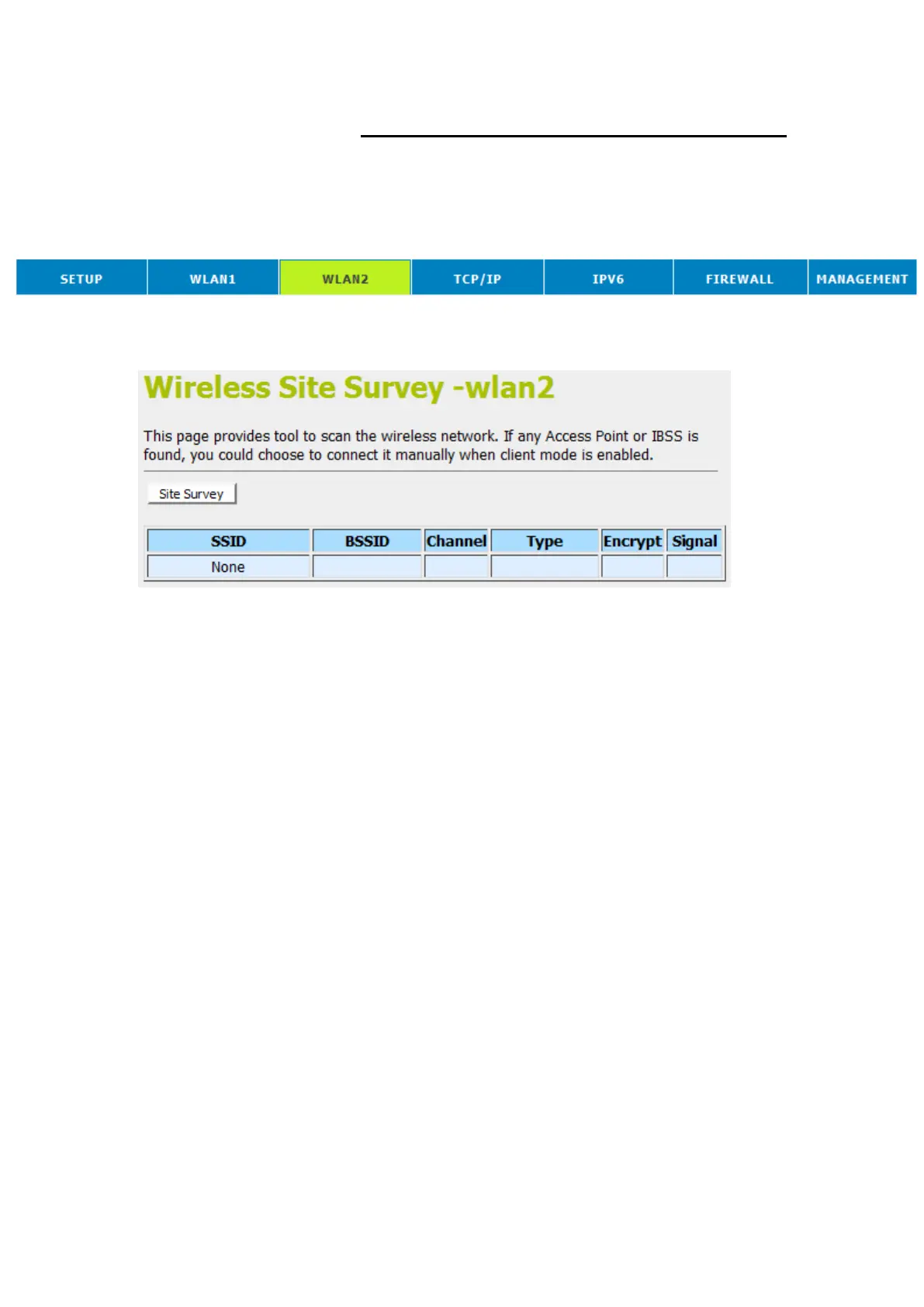
Site Survey
This page provides tool to scan the wireless network. If any
Access Point or IBSS is found, you could choose to connect it
manually when client mode is enabled. To access the Wireless
Network WDS settings page:
1. From the head menu, click on Wlan2.
2. From the left-hand menu, click on Site Survey. The
following page is displayed:















 To Next Page