Configuring PPPoE connection
If your ISP’s Internet service uses PPPoE you need to set up a
PPP login account. The first time that you login to the Internet,
your ISP will ask you to enter a username and password so
they can check that you are a legitimate, registered Internet
service user. Your device stores these authentication details, so
you will not have to enter this username and password every
time you login.
If your ISP wants you to connect to the Internet using PPP,
follow the instructions below.
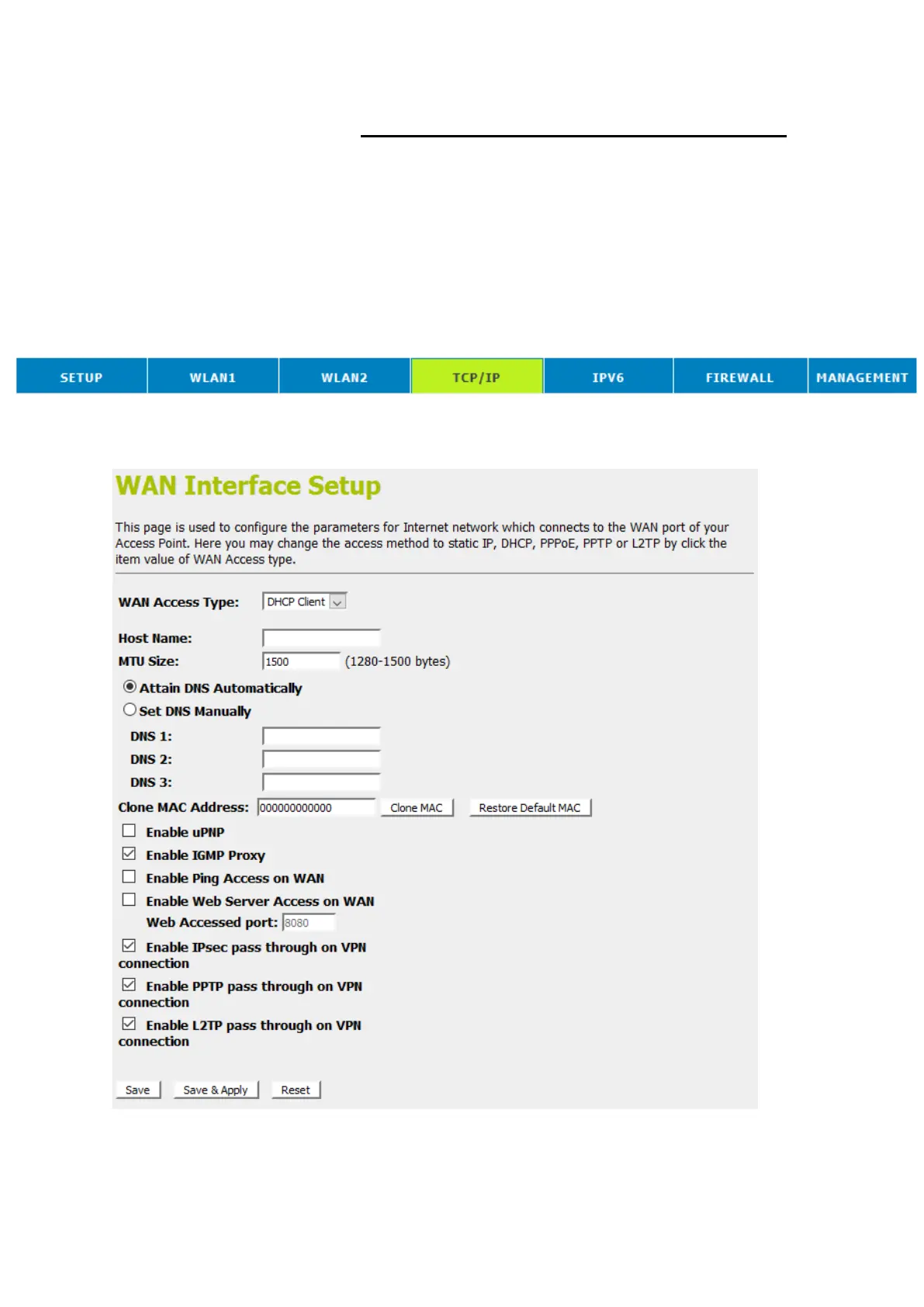
1. From the head menu, click on TCP/IP.
2. From the left-hand menu, click on WAN Setting. The
following page is displayed:















 To Next Page