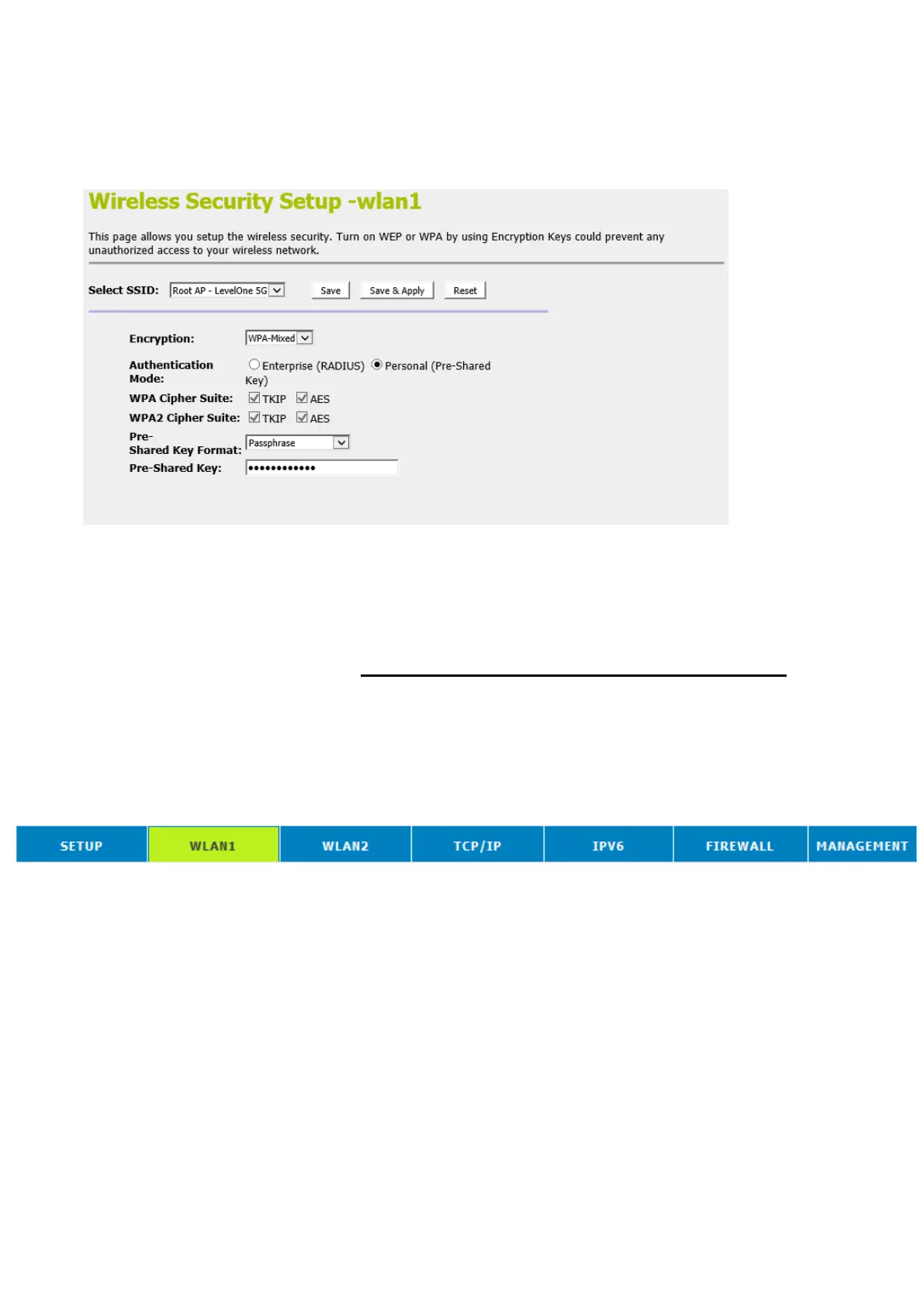
19. The security settings on the Wireless Security Page will be
modified by WCN, too. The warning message will show up
if users try to modify the security settings. The reason is the
same as we explained in the previous section.
Operations of AP - AP being a registrar
AP mode
Whenever users enter station’s PIN into AP’s Wi-Fi Protected
Setup page and click “Start PIN”, AP will become a registrar.
Users must start the PIN method on the station side within two
minutes.
1. From the head menu, click on WAN1.
2. From the left-hand menu, click on WPS. The following page
is displayed:
3. Make sure AP is in un-configured state.
4. Enter the Client PIN Number.
5. Click Start PIN.















 To Next Page