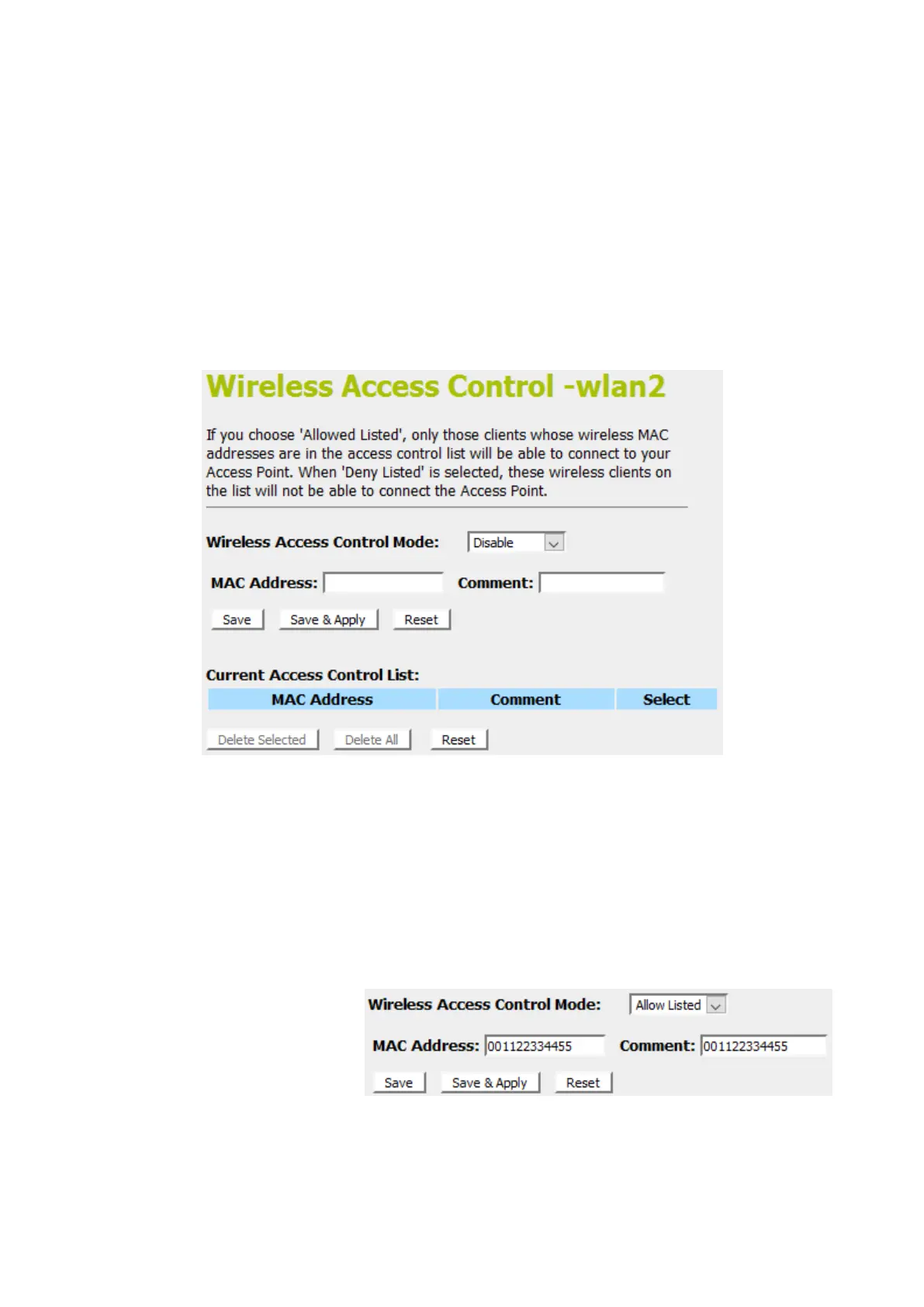
8. From the left-hand menu, click on Access Control. The
following page is displayed:
Allow Listed
If you choose 'Allowed Listed', only those clients whose wireless
MAC addresses are in the access control list will be able to
connect to your Access Point.
1. From the Wireless Access Control Mode drop-down list,
select Allowed Listed setting.
2. Enter the MAC Address.
3. Enter the Comment.
4. Click Save & Apply button.
5. Click OK button.















 To Next Page