14 IPV6
IPV6 WAN SETTING
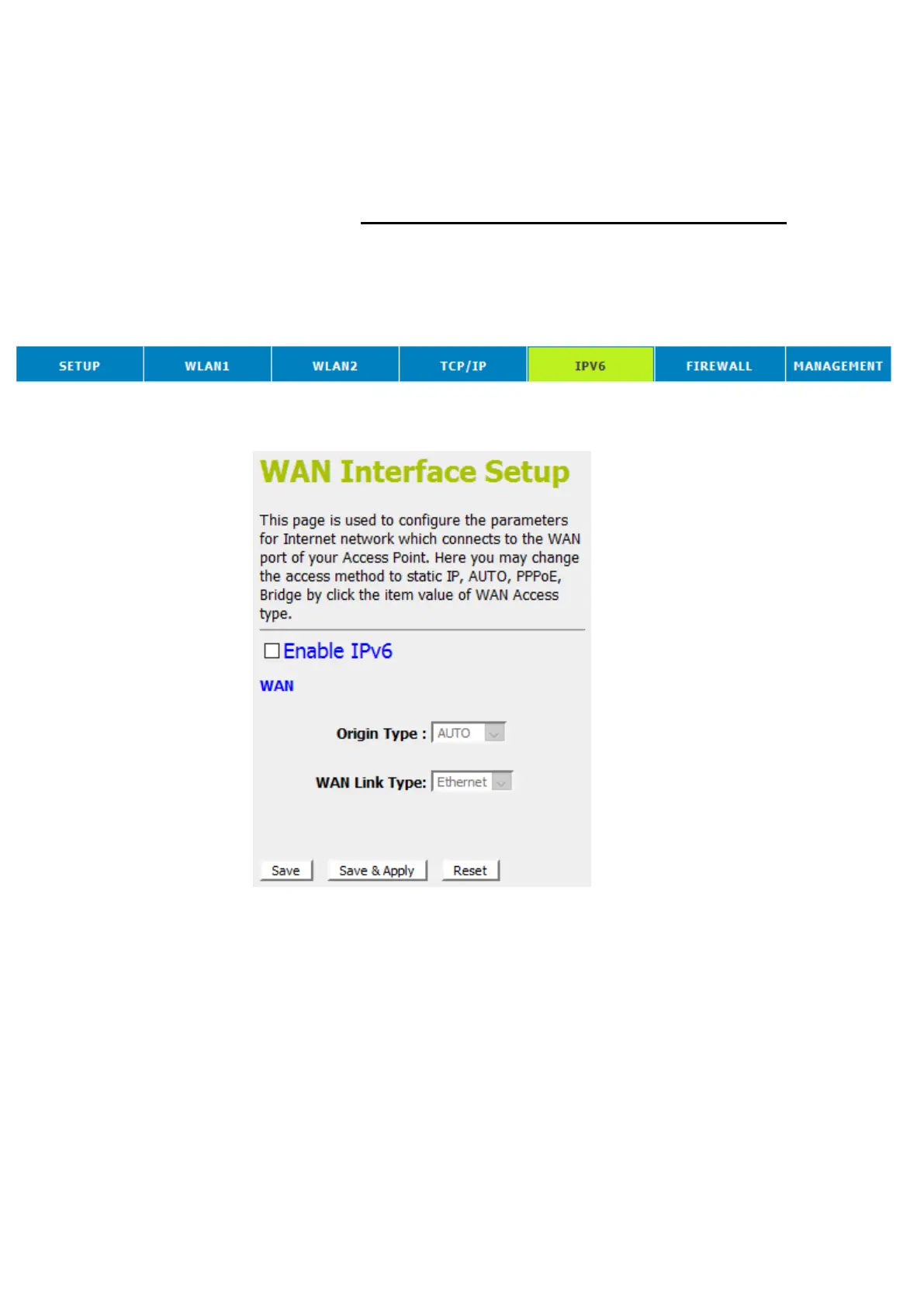
This page is used to configure the parameters for Internet
network which connects to the WAN port of your Access Point.
Here you may change the access method to static IP, DHCP,
PPPoE, Bridge by click the item value of WAN Access type.
1. From the head menu, click on IPV6.
2. From the left-hand menu, click on IPV6 WAN SETTING.
The following page is displayed:















 To Next Page